91D-Link DNR-322L User Manual
Section 3 - Conguration
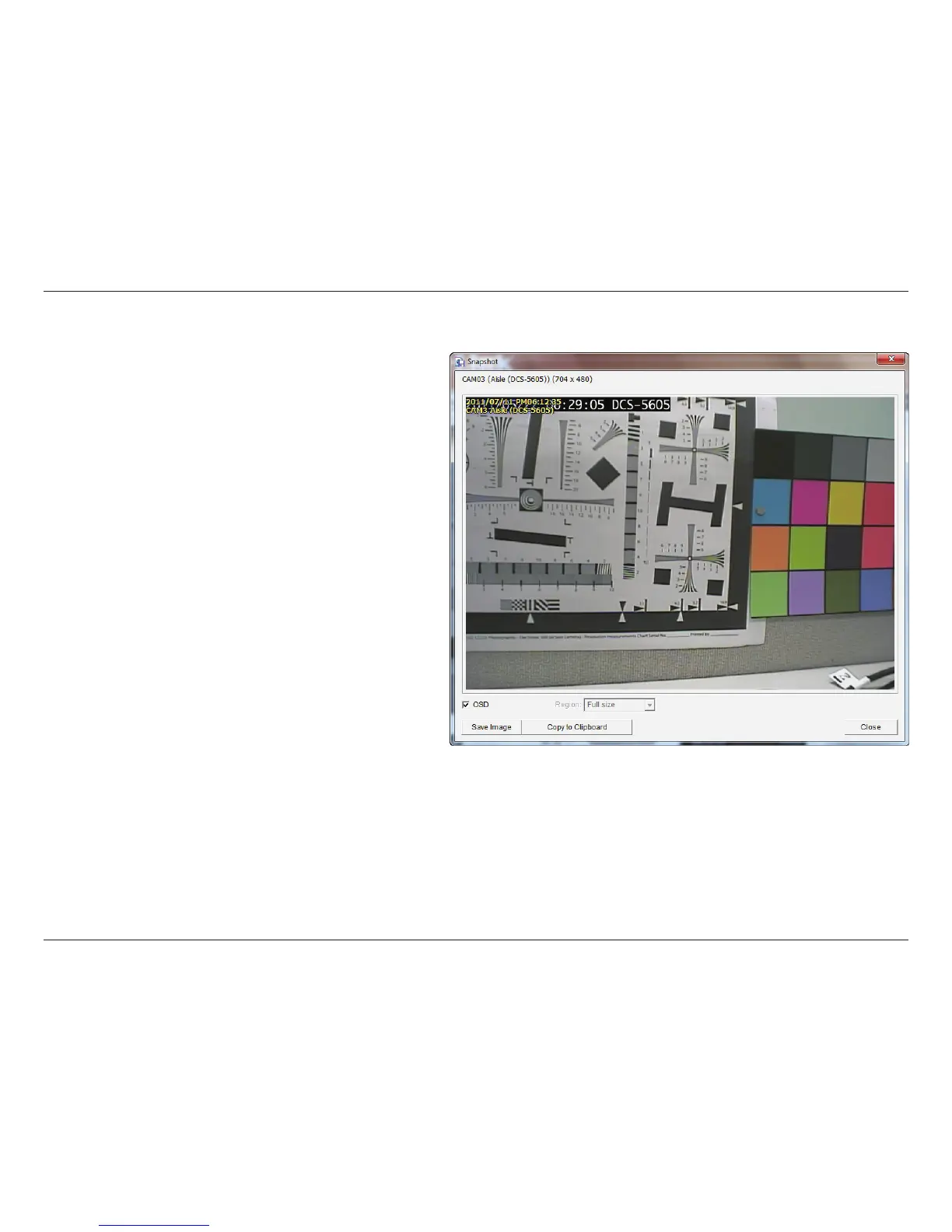
Save Image
Step 1: During playback, users can choose to save an
image from a selected camera.
Step 2: Click Save Image when the desired image is
shown on the screen.
Step 3: Click Save Image again to choose the folder
where you would like to save the file to.
Step 4: Choose the desired image format (BMP or JPEG).
Step 5: Input the file name.
Step 6: Click Save.
Note:
You may skip step 3 by pre-selecting a folder and format for
images. See the Setting option for more details.













 To Next Page