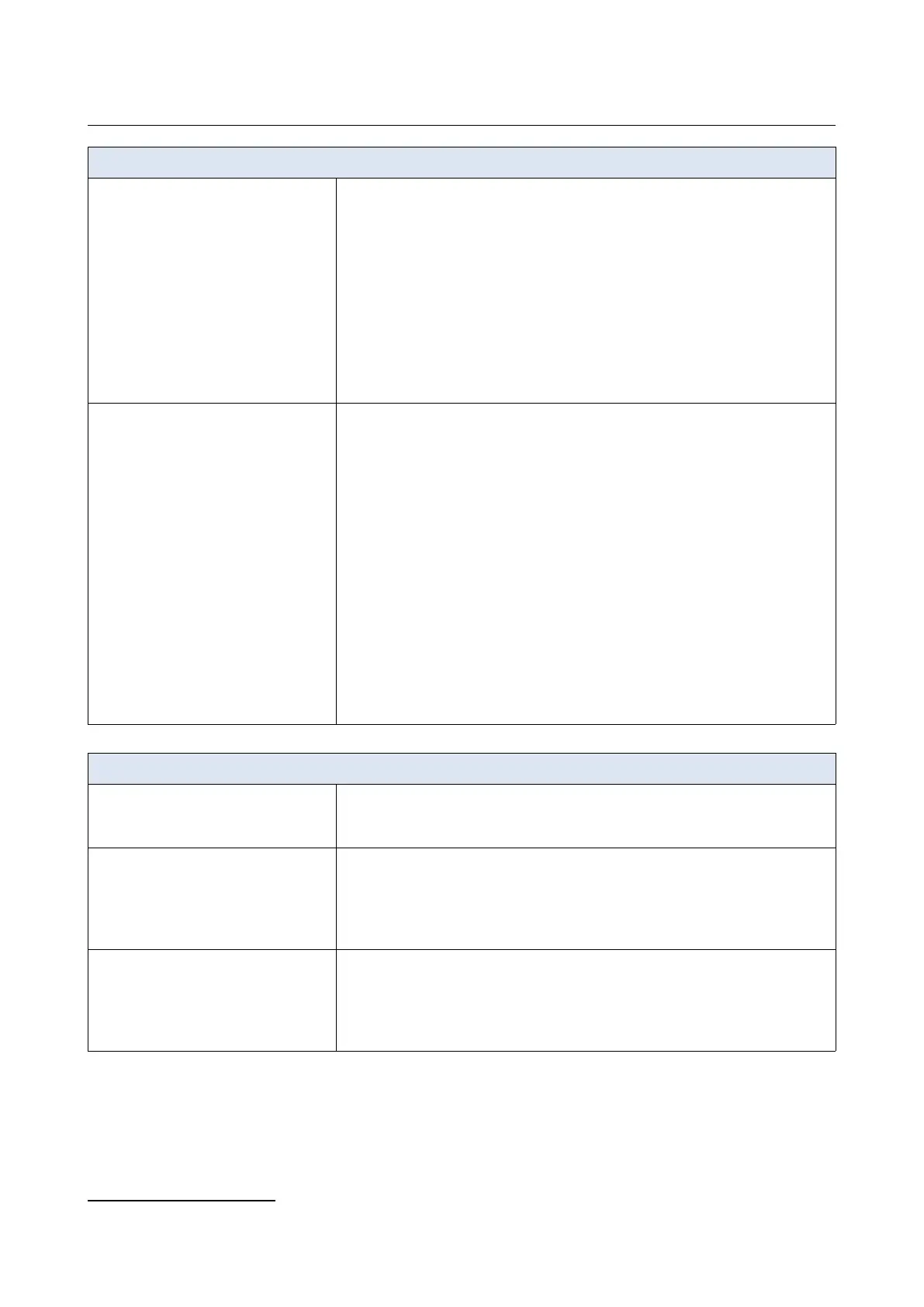
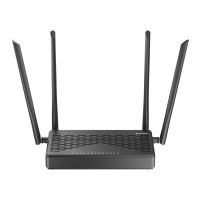
DVG-5402G/GF Wireless AC1200 MU-MIMO Dual Band
Gigabit Router with Fiber WAN Port, 3G/LTE Support, 2 FXS
Ports, and USB Port
User Manual
Overview
Software
USB interface functions
· USB modem
Auto connection to available type of supported network (4G/3G/2G)
Auto configuration of connection upon plugging in USB modem
Enabling/disabling PIN code check, changing PIN code
4
Sending/receiving/reading/removing SMS messages
4
Support of USSD requests
4
· USB storage
File browser
Print server
Access to storage via accounts
Built-in Samba/FTP/DLNA server
Built-in Transmission torrent client; uploading/downloading files from/to USB
storage
Management and monitoring
· Local and remote access to settings through SSH/TELNET/WEB
(HTTP/HTTPS)
· Multilingual web-based interface for configuration and management
· Support of D-Link Assistant application for Android and iPhone smartphones
· Notification on connection problems and auto redirect to settings
· Firmware update via web-based interface
· Automatic notification on new firmware version
· Saving/restoring configuration to/from file
· Support of logging to remote host/connected USB storage
· Automatic synchronization of system time with NTP server and manual
time/date setup
· Ping utility
· Traceroute utility
· TR-069 client
· Schedules for filters rules, automatic reboot, and enabling/disabling wireless
network
· Automatic upload of configuration file from ISP's server (Auto Provision)
Wireless Module Parameters
Standards
· IEEE 802.11a/n/ac
· IEEE 802.11b/g/n
· IEEE 802.11w
Frequency range
The frequency range depends upon the
radio frequency regulations applied in your
country
· 2400 ~ 2483.5MHz
· 5150 ~ 5350MHz
· 5650 ~ 5850MHz
Wireless connection security
· WEP
· WPA/WPA2 (Personal/Enterprise)
· WPA3 (Personal)
· МАС filter
· WPS (PBC/PIN)
4 For some models of USB modems.
Page 11 of 311


 To Next Page