104
Using IP surveillance Software (continued)
Logging In
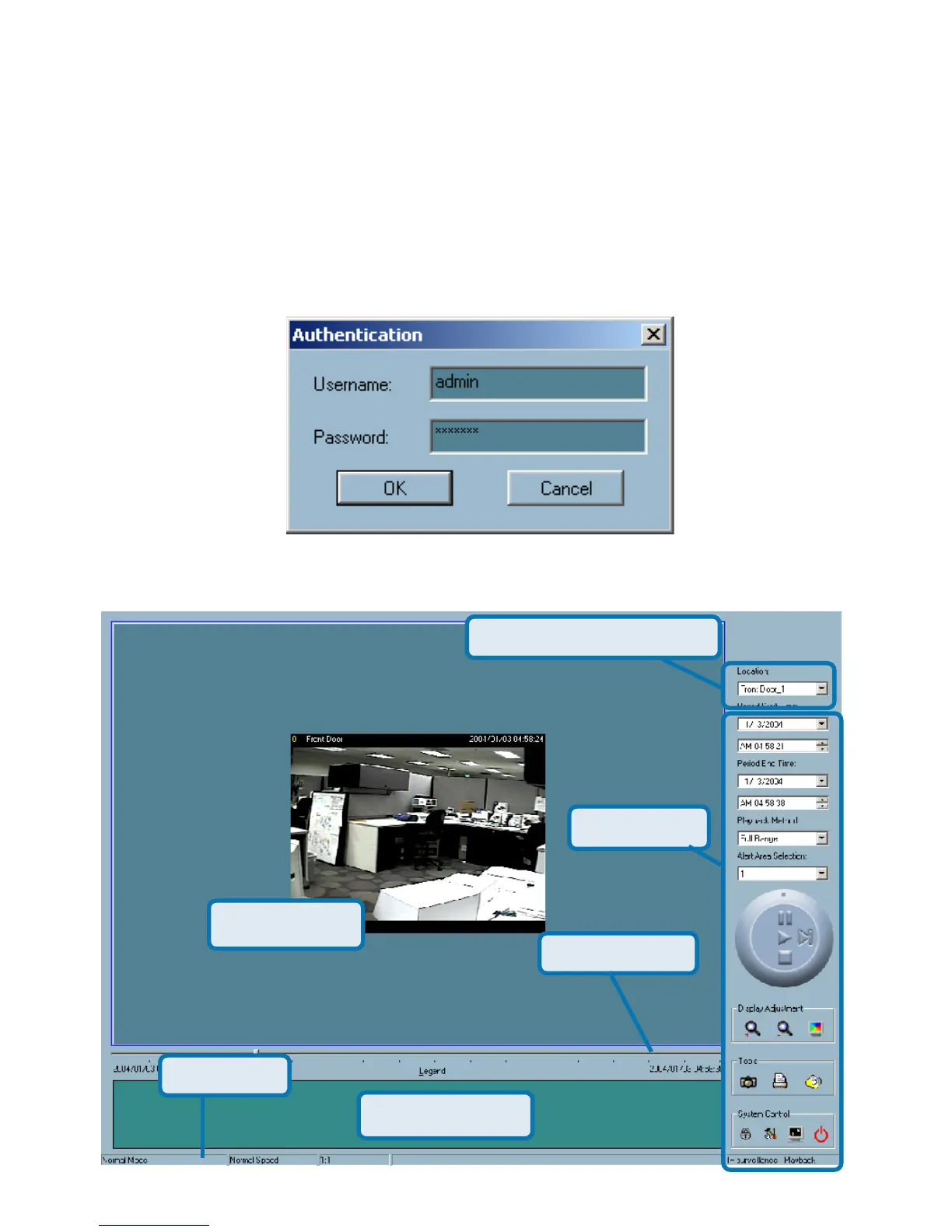
Before you start the playback program, it is necessary for you to log in to the
application software. The figure below shows the login dialog. For security
concerns, only the admin account can log in to this program. To change the
password of the admin account, please refer to the section titled “Logging In.”
Layout
Display Area
Control Area
Pull Bar Area
Area Selection Indicator
Status Area
Histogram Area
Playback Program (continued)















 To Next Page