68
Using IP surveillance Software (continued)
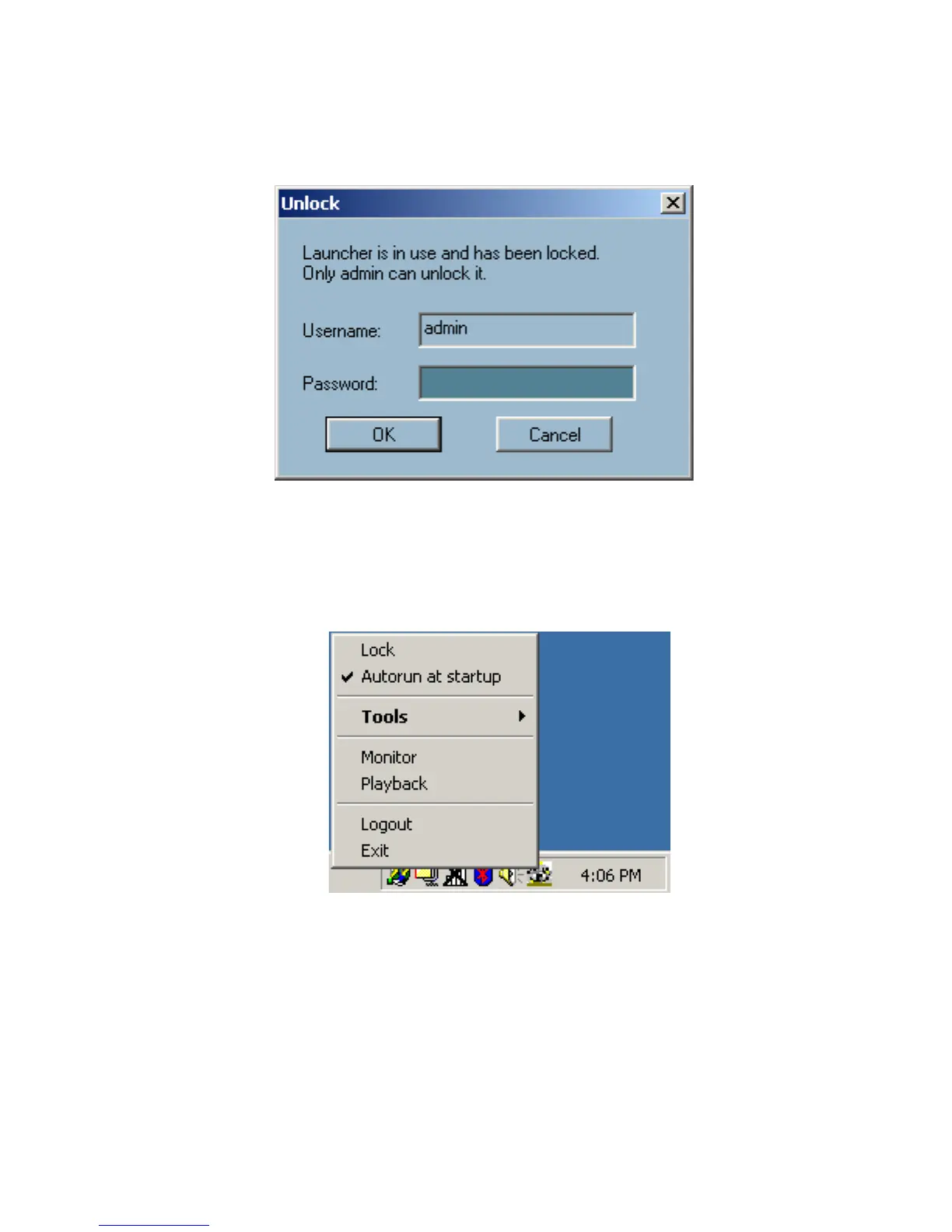
When Launcher is locked, the unlock window will appear, prompting for the
user password in order to unlock.
The input area of the dialog will be grayed (disabled) for 60 seconds after 3
consecutive failures.
User Interface
Below is the user interface for Launcher:
The main user interface for Launcher is an icon on system tray, and the popup
menu appears when the user clicks on the icon. The menu items are listed
below:
Lock Launcher
When this item is selected, Launcher will enter lock mode. In
lock mode, whenever users want to invoke the menu, a dialog
asking for ID and password will appear. The interface for this
dialog is covered in the previous section.
Launcher (continued)















 To Next Page