96
Using IP surveillance Software (continued)
The Layout and Functionalities
Introduction
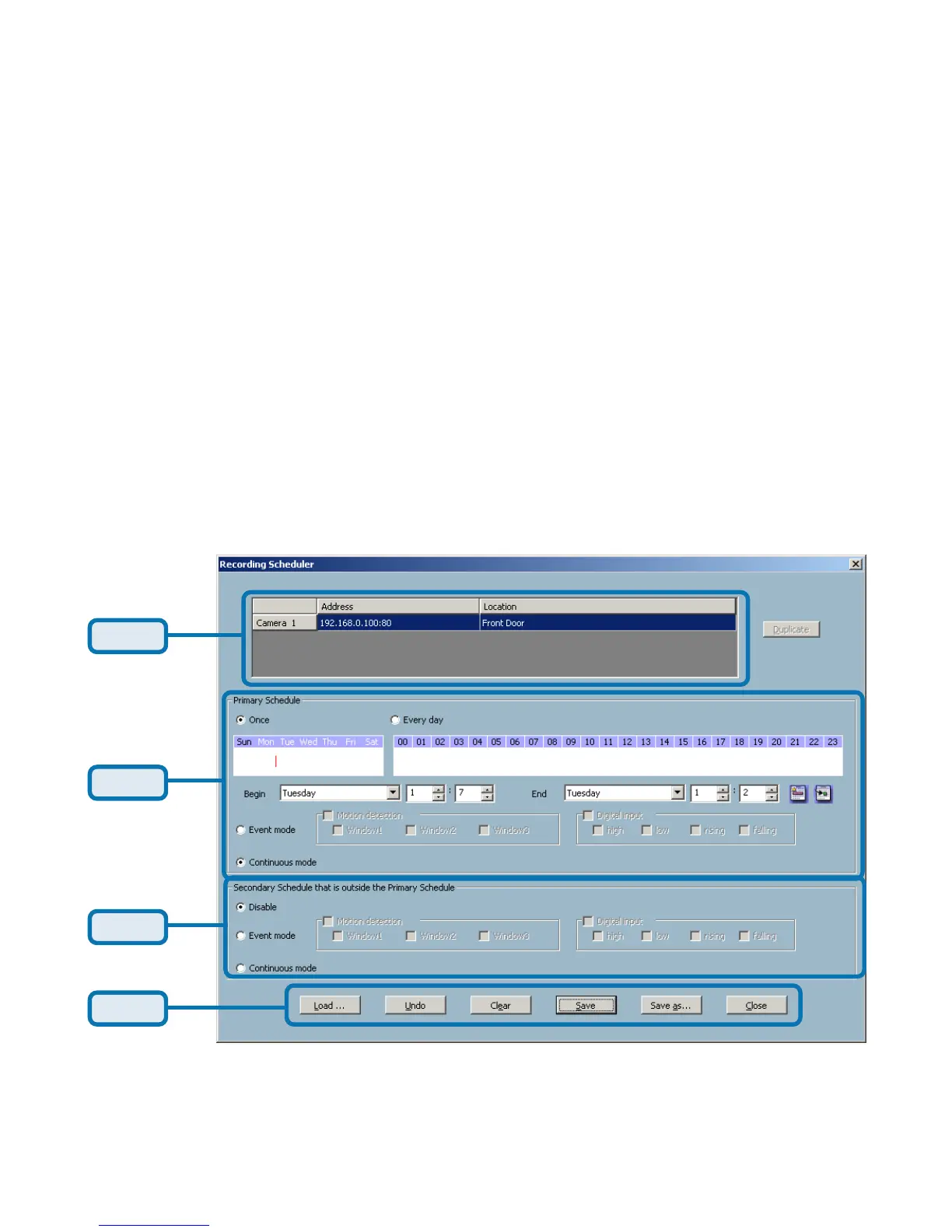
The layout of the scheduler and its components, shown below, will be described.
Part 1
Part 2
Part 3
Part 4
Scheduling (continued)
The scheduler will not be accessible until at least one camera has been added
to the camera list. Go to the configuration menu and click on “Scheduler” to
launch the Scheduler.















 To Next Page