109
Playback Program (continued)
Using IP surveillance Software (continued)
Normal (Single Frame) Mode
While in the normal (single frame) display mode, you can change the video
currently displayed by:
(1) Changing the database path for retrieving another one in the settings dialog
of “System Control” tool.
(2) Changing the location selector to another location in control area.
(3) Changing the playback method selector to “Full Range.”
(4) Changing the playback method selector to “Time Period.”
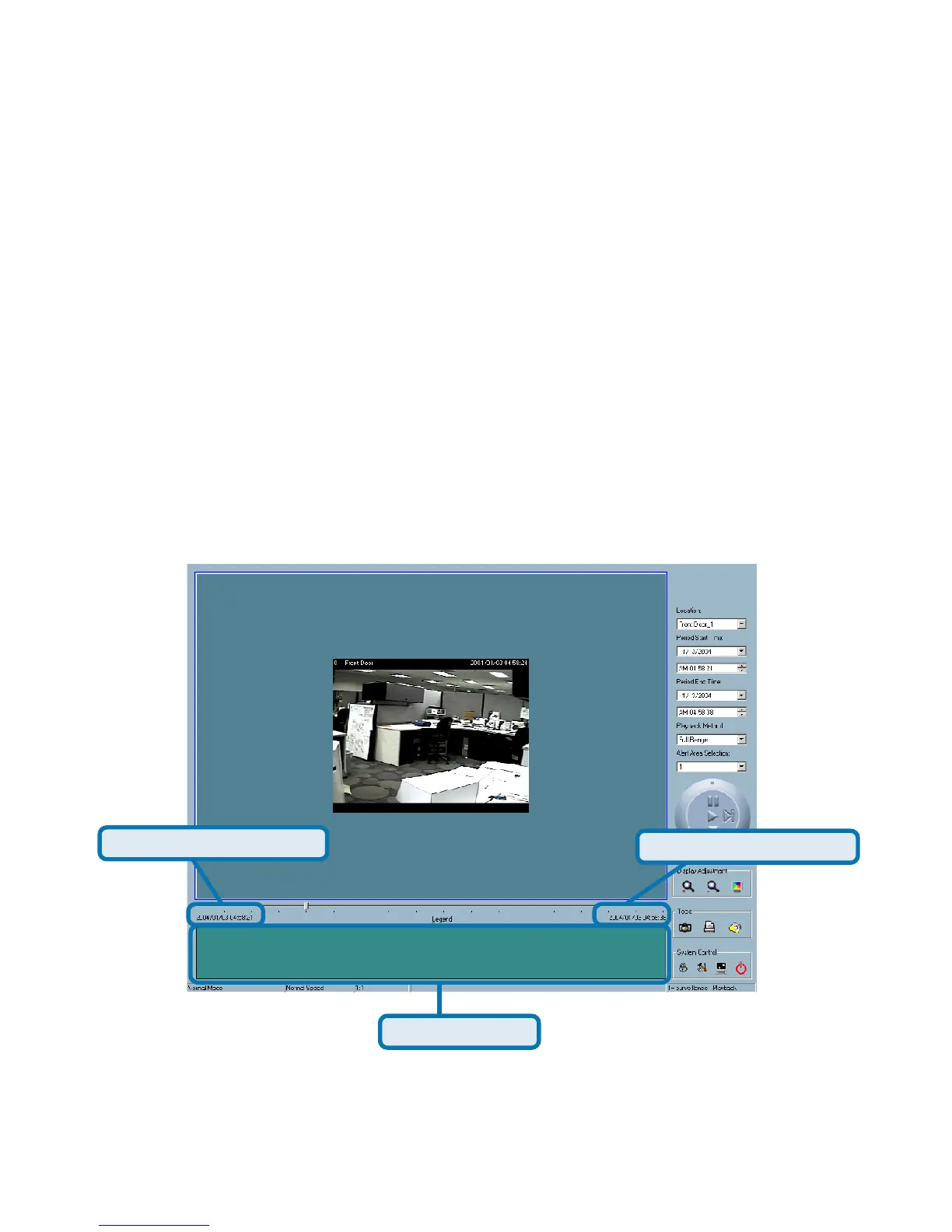
Period Start Time Label
Period End Time Label
Histogram Area
Under the normal display (single frame) mode, you can use all the tools provided
with the playback program, except the page control. In this mode, the two labels
under the pull bar show the starting and the ending time of the interval individually
(as shown above).















 To Next Page