21
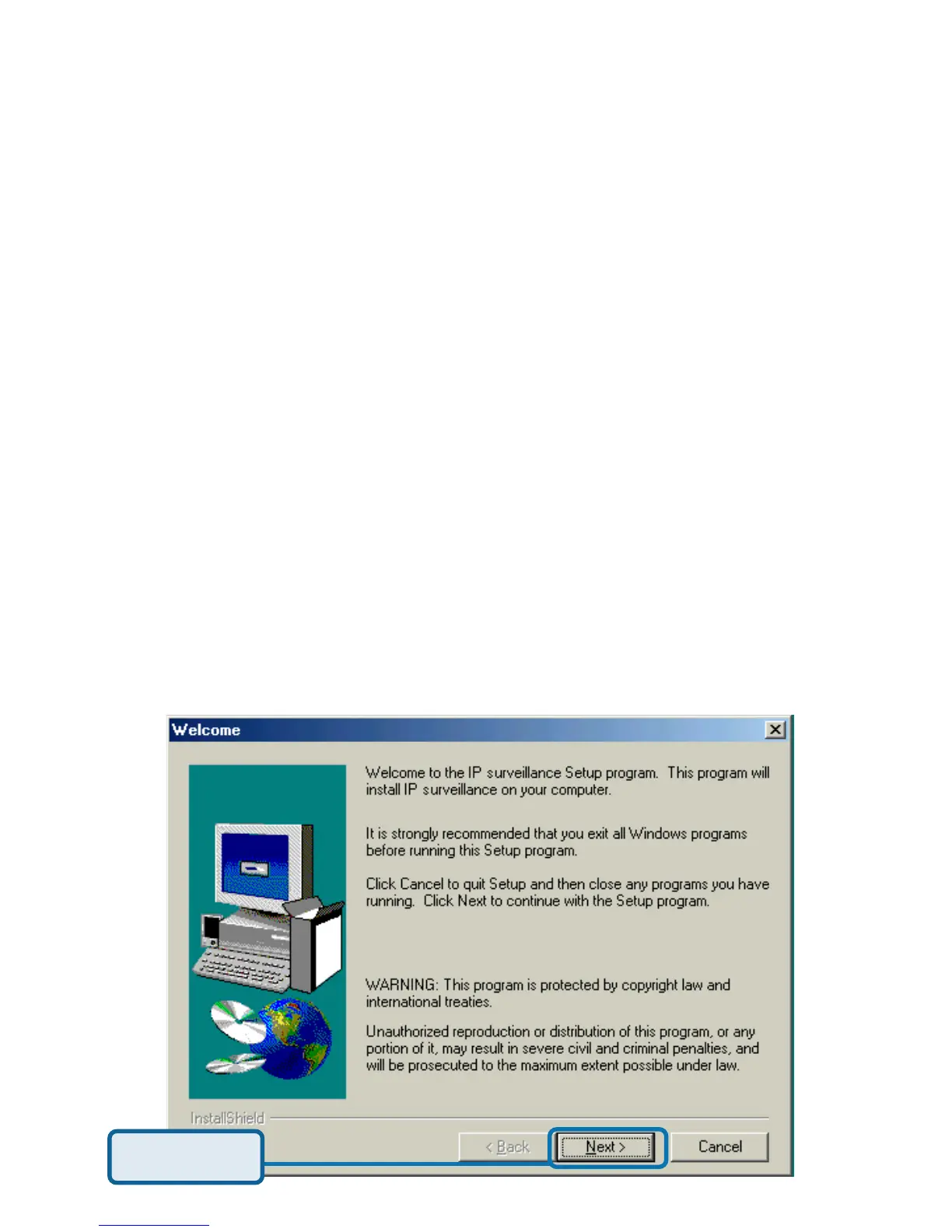
Click Next
Real-time Monitoring
Video Recording to hard disk
High quality video
High compression ratio
Maximum of 16 cameras with different monitor layouts
Smart playback
Triggered event browsing
Fast database searching
Configurable automated alarms
Account password protection
Scheduled recording for each camera
Email / FTP snapshot
AVI file export
Motion detection for each camera
The IP surveillance software on the CD included with the DCS-2000 Internet
Camera converts the DCS-2000 into a powerful, yet flexible, surveillance system
for home or business, with these features:
Installing IP surveillance Software
To install the IP surveillance software, click on Install IP surveillance Software
on the CD included with the Internet Camera. The Welcome screen appears:















 To Next Page