25
Testing the DCS-2000 Internet
Camera
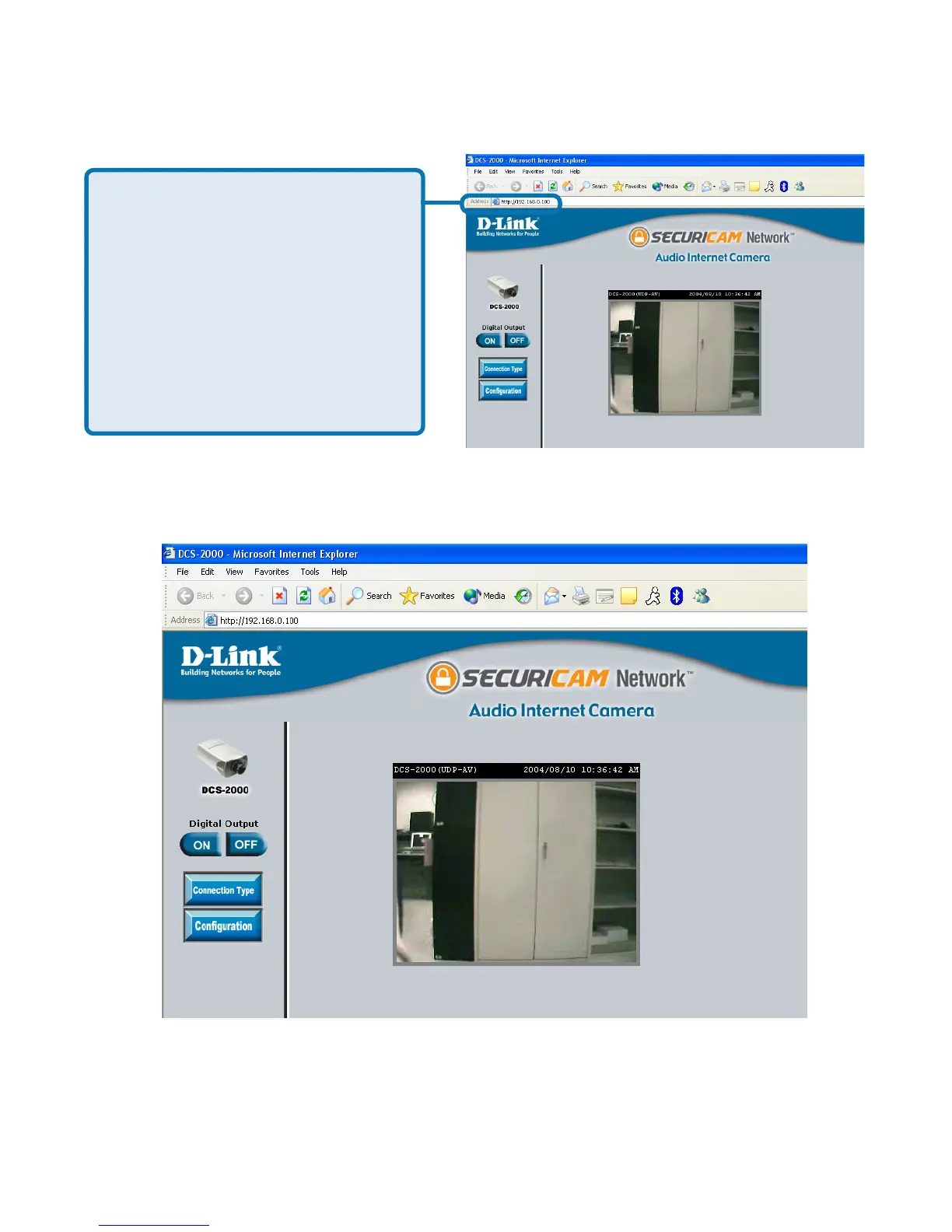
Open your Internet browser and
type in the IP address of the
DCS-2000. In this example the
address is:
http://192.168.0.100
(your DCS-2000 may have a
different IP address based on
what you used in the
Installation Wizard program.)
The window in the center of your browser is the camera image window. You
should now see a video image and hear the audio over your computer speakers
from the DCS-2000. If you are having problems please consult the FAQ section
of this manual (page 121).















 To Next Page