16
Installation Wizard Screen (continued)
Reset to Default -
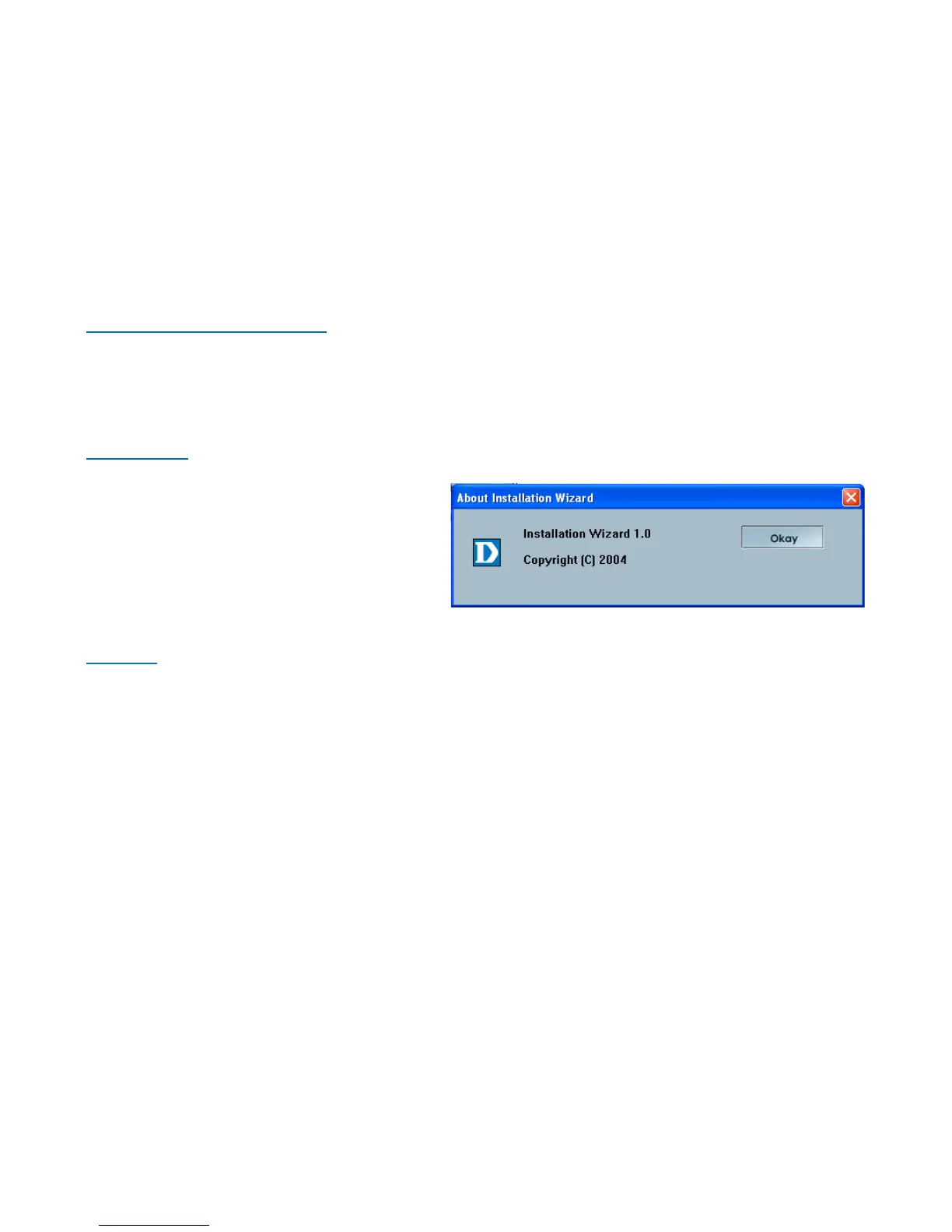
About -
Exit -
Click the Exit tab to exit the Installation Wizard screen.
Click About to display the current
version and date.
Click the Reset to Default tab to reset the camera’s settings to factory defaults.
Locate the Firmware to Upgrade -
Indicate the location of the firmware to be uploaded to the camera.
Selected Package -
This displays the file name of the firmware selected for upload.















 To Next Page