32
Viewing Your Camera
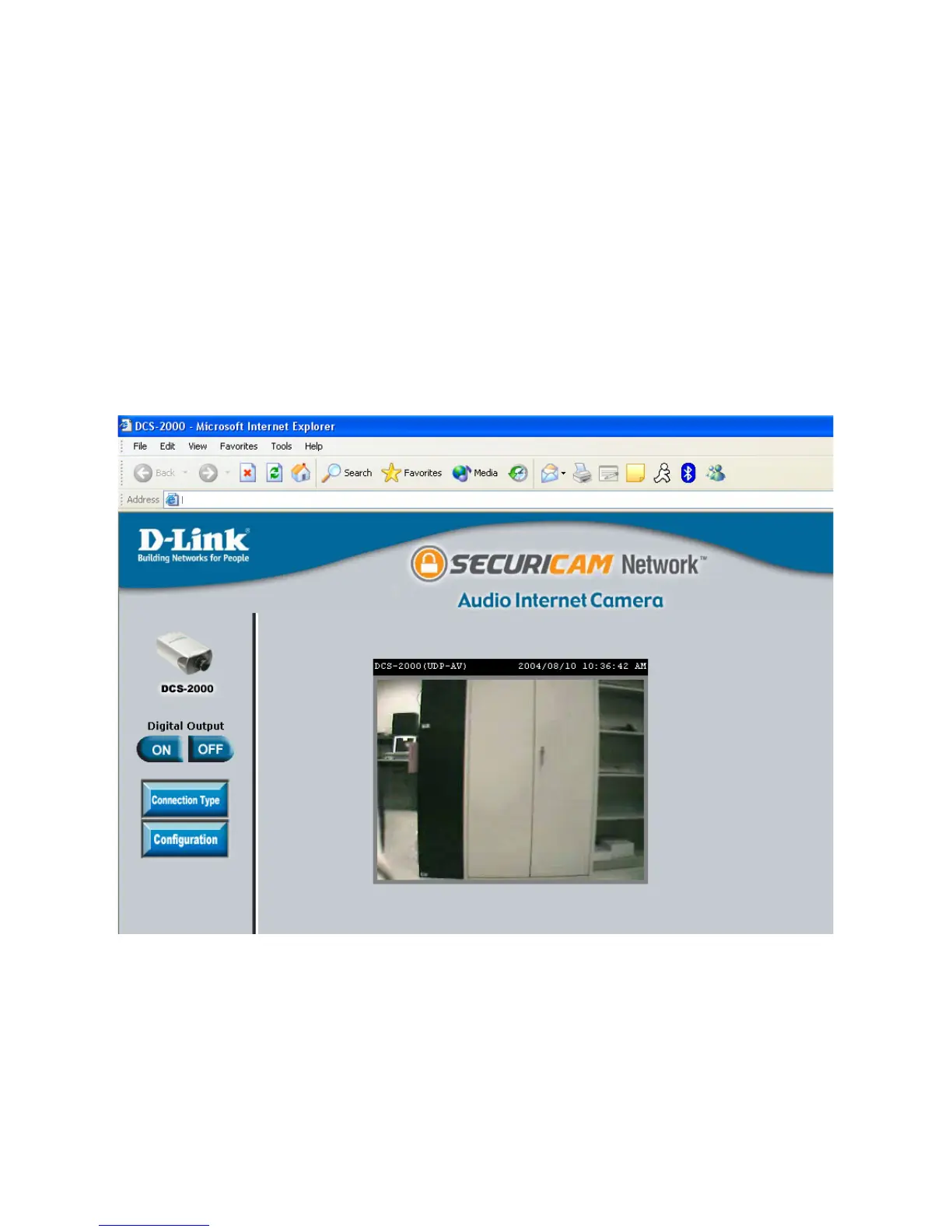
Viewing the DCS-2000 Remotely
After all settings have been entered correctly, a PC user inside or outside your
network will have access to the camera through the Internet Explorer Web
browser. To access the camera from the Internet, type the IP Address of the
router given to you by your ISP, followed by a colon, and the port number that
you gave your camera (e.g., http://205.163.122.96:83). It is not necessary to
enter the colon and port number if you are using the default Web server port
80. To access from a computer on your local (home) network, simply enter the
local IP Address of the Camera followed by a colon and the port number (e.g.,
205.163.122.96:83).
http://205.163.122.96:83















 To Next Page