7
The DCS-2000 provides a terminal block with two pairs of connectors situated
on the back panel. One pair is for input and the other is for output. The I/O
connectors provide the physical interface to send and receive digital signals to
a variety of external alarm devices. Please refer to the appendix in this
manual for detailed information.
Connections (continued)
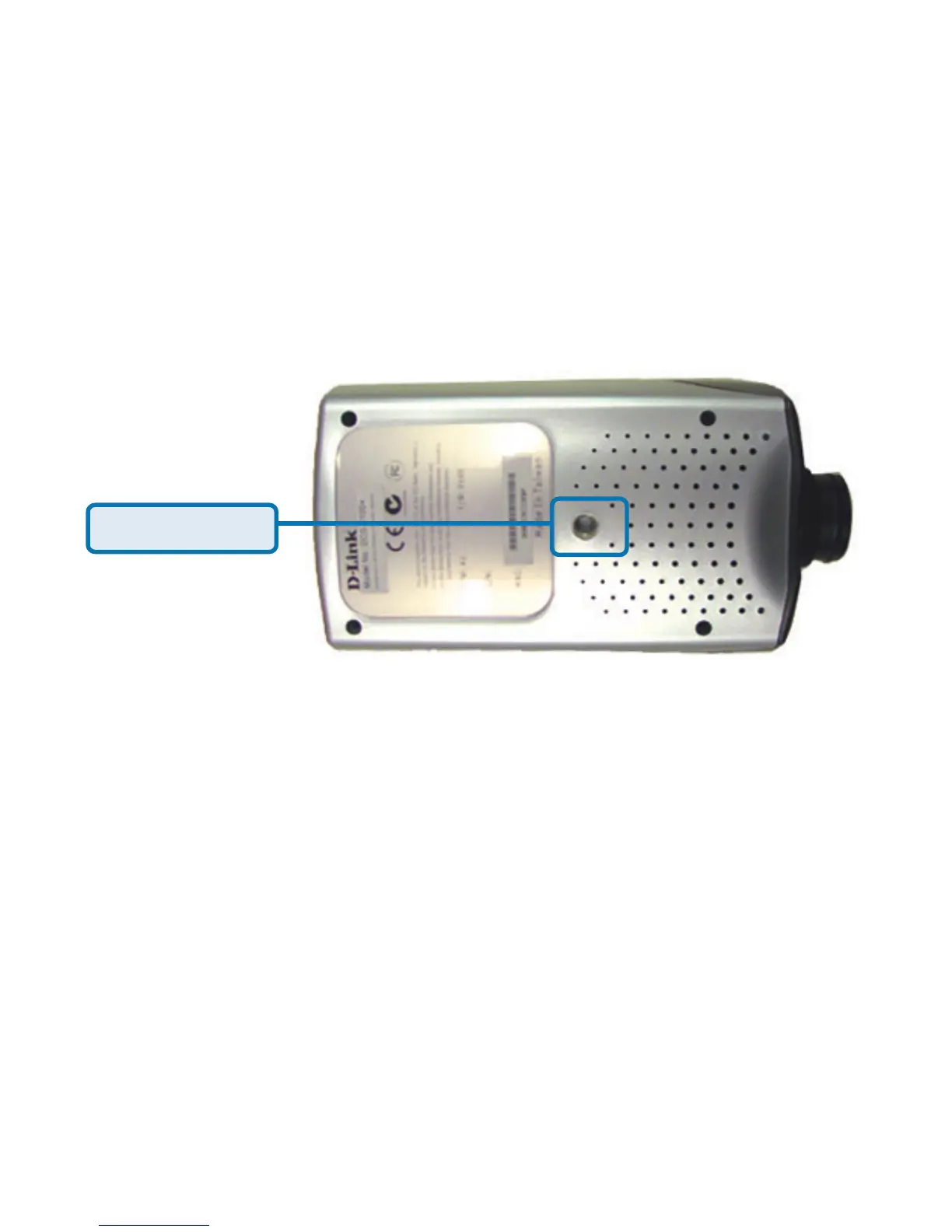
Located on the bottom panel of the DCS-2000, the socket is used to connect
the camera stand to the Internet Camera by attaching the screw head on the
camera stand to the Internet Camera.
Bottom Panel
Socket for stand
Power LED
LED stands for Light-Emitting Diode.
The Power LED is positioned on the right side of the Internet Camera lens. As
soon as the power adapter is connected to the Internet camera the power LED
will flash red and green several times, the DCS-2000 is conducting a
self-test. Upon passing the self-test the LED will turn green to indicate a good
connection to an Ethernet port or red to indicate no connection has been made.
I/O Connector
Attachment socket for the Camera Stand















 To Next Page