95
Using IP surveillance Software (continued)
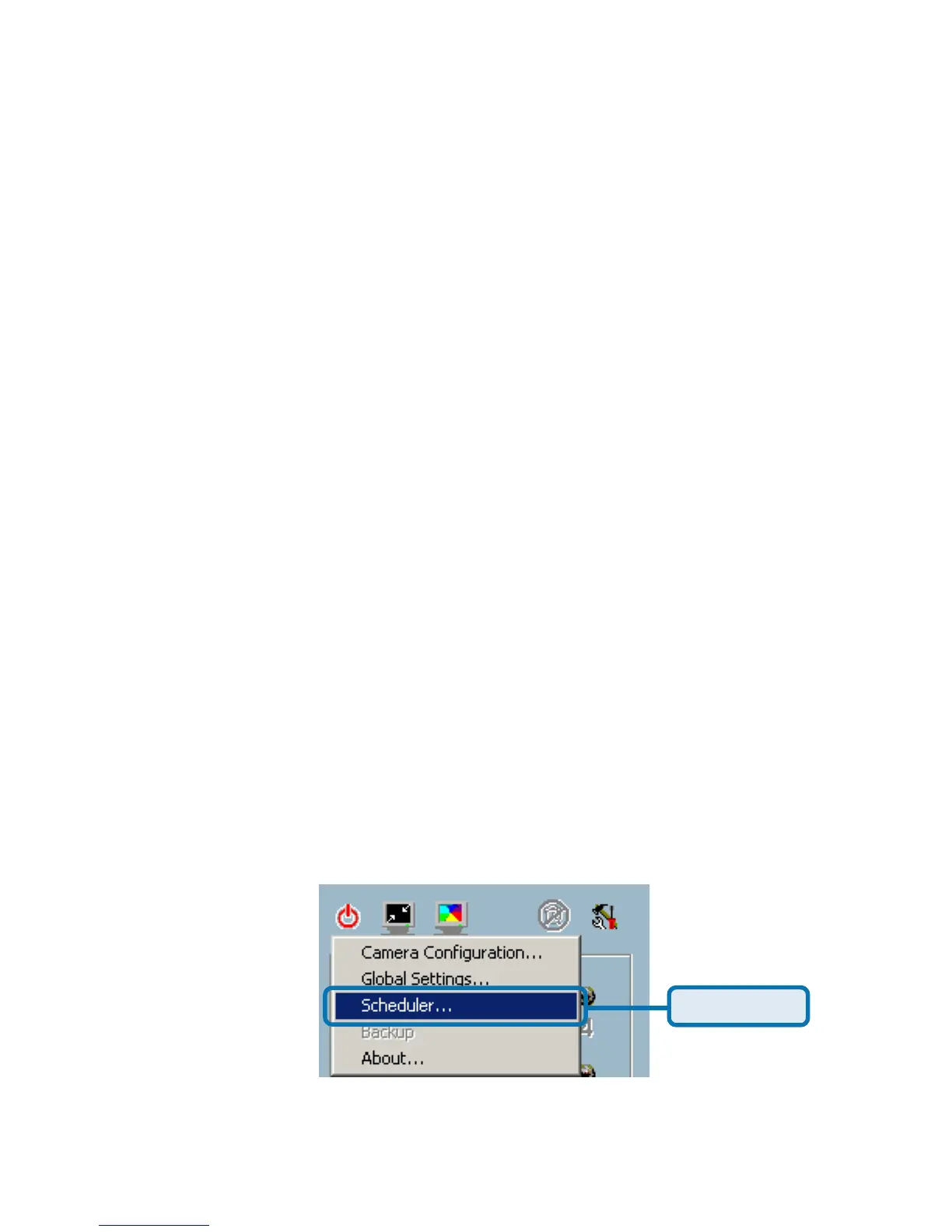
Scheduling
Schedule Tool
The scheduler allows the user to schedule recordings from the selected video
channel of the DCS-2000. Through both the graphic user interface and time
period selection options, you will be able to easily regulate a schedule for each
video channel.
The main features of the Scheduler are:
Friendly graphic user interface for schedule editing
Flexible schedule scheme suitable for all applications
Individual schedule for each video channel
Supports up to 9 preset schedule schemes for each video channel
Automatic period recording
Using the Scheduler
This section discusses the method of how to use the scheduler.
Start the Scheduler















 To Next Page