56
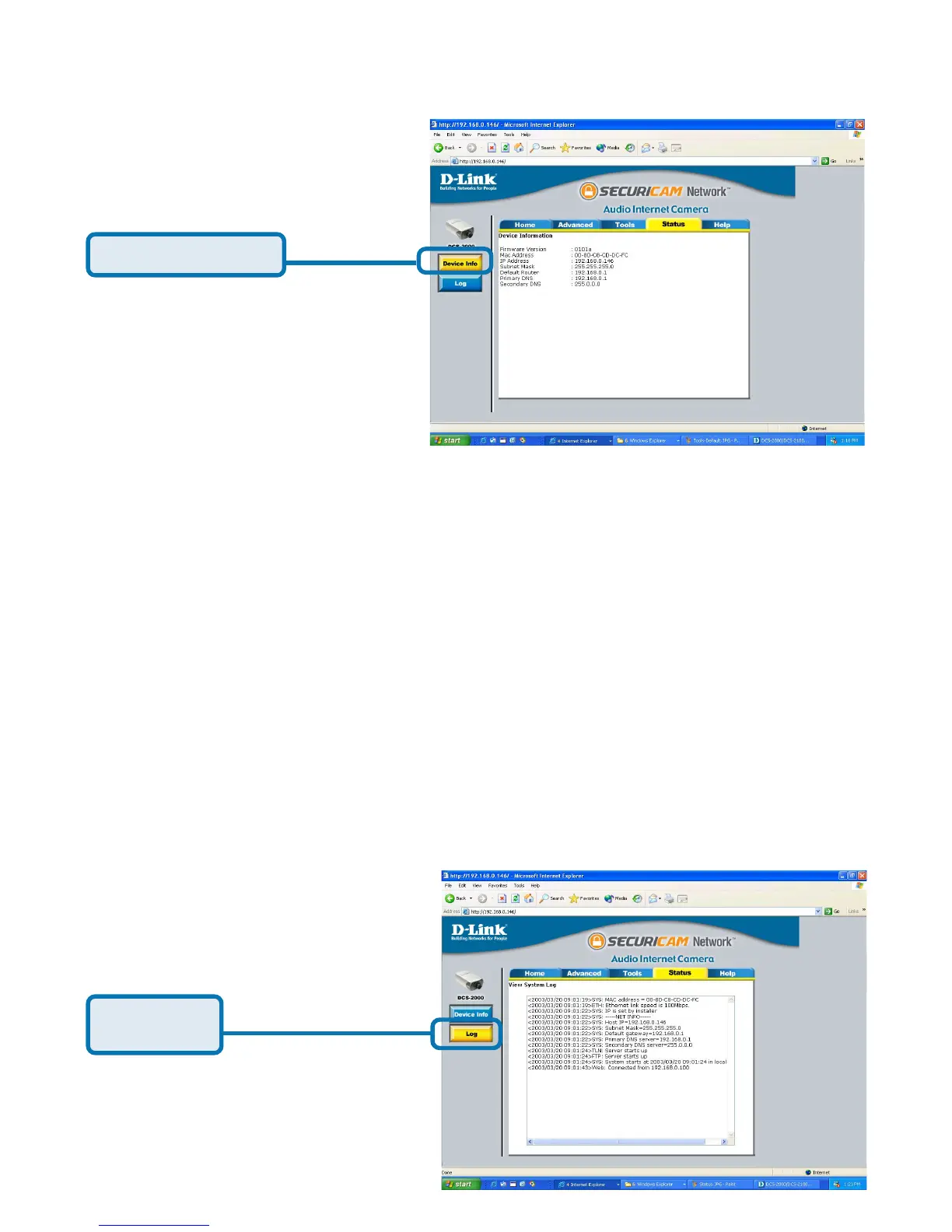
The Device Info screen lists the following important settings that are currently
set for the DCS-2000
• Firmware Version number
• Mac Address
• IP Address
• Subnet Mask
• Default router address
• Primary DNS Address
• Secondary DNS Address
Configuration > Status > Log
Using the DCS-2000 with an Internet browser
(continued)
Click on the Log button to access a system log of system activity from the
Status menu. The content of the log file reveals useful information about the
current configuration and connection logged after the DCS-2000 boots up.
Click Log
Click Device Info















 To Next Page