88
Using IP surveillance Software (continued)
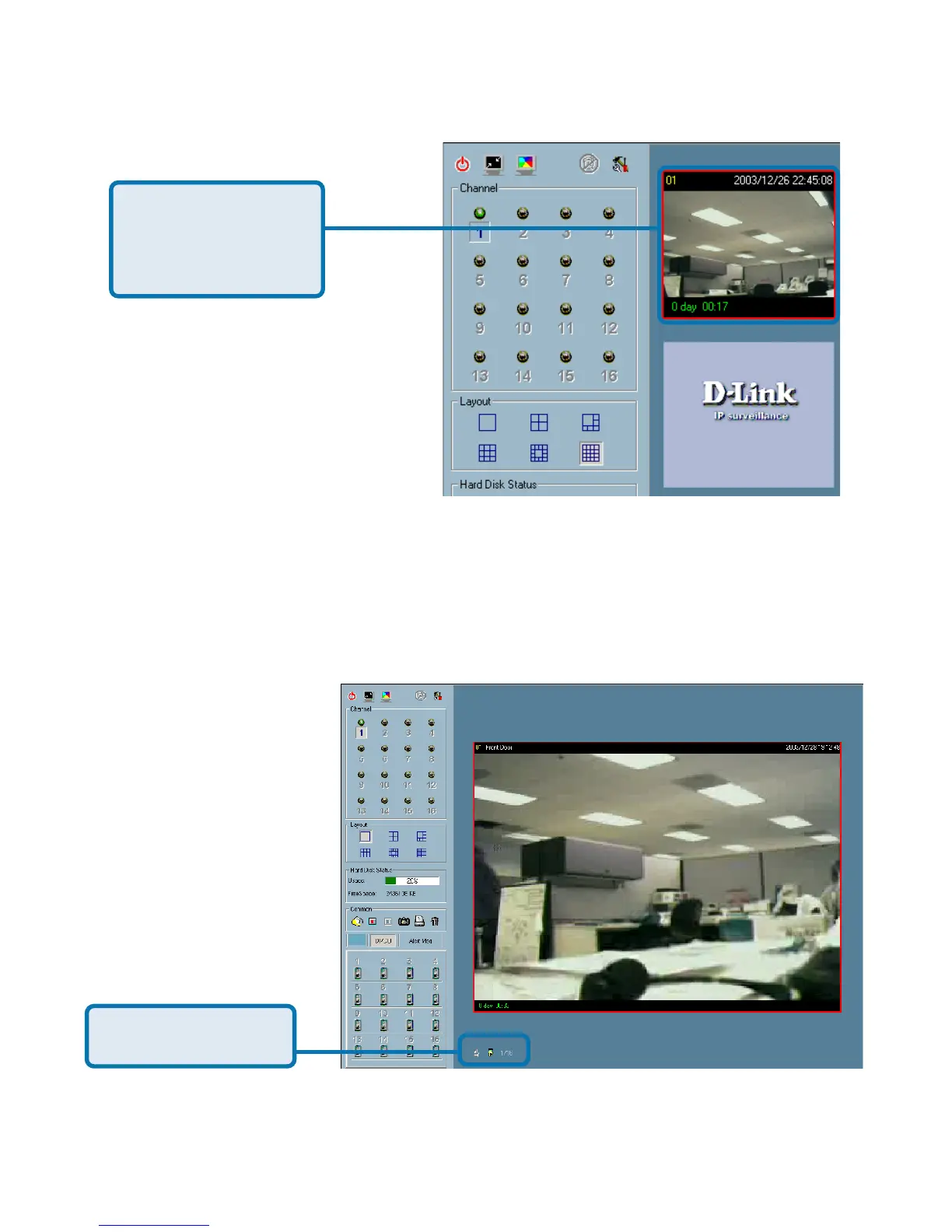
Double click on a dis-
play window to switch
to a single channel
layout.
When you choose the one-channel layout or four-channel layout, the “Page up”
and “Page down” buttons will be shown in the left-bottom corner of the video
area. You can use these two buttons to switch the pages, as shown in the
figure below.
Use to switch between
cameras.
PT
Monitor Program (continued)















 To Next Page