90
Using IP surveillance Software (continued)
IP surveillance includes DI/DO (Digital Input / Digital Output) control and an
alert message receiver. These features are described in detail below.
DI/DO Control
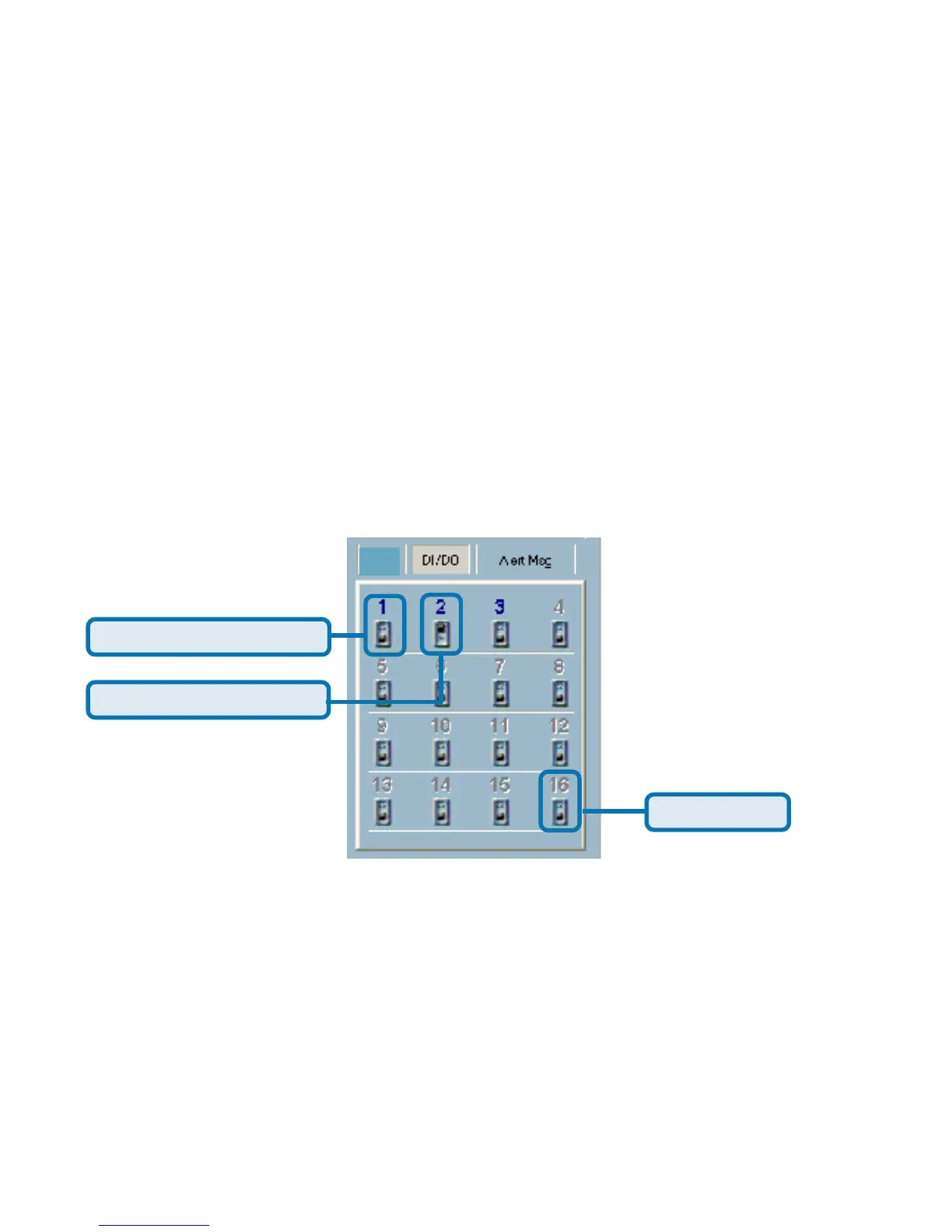
Clicking on the “DI/DO” button shown below, you can switch to the DI/DO
controls. The color of the channel number indicates the status of the DI (Digital
Input). You can click the “Switch button” to change the HI/LOW state of the DO
(Digital Output). With these features, you can monitor the remote sensor input
from DI and also trigger the camera by DO switch
.
Monitor Program (continued)
Set digital output to LOW
Set digital output to HIGH
No connection
PT
When the color of a DI/DO number is gray, that means the video has not yet
been connected to a camera.















 To Next Page