92
Using IP surveillance Software (continued)
About
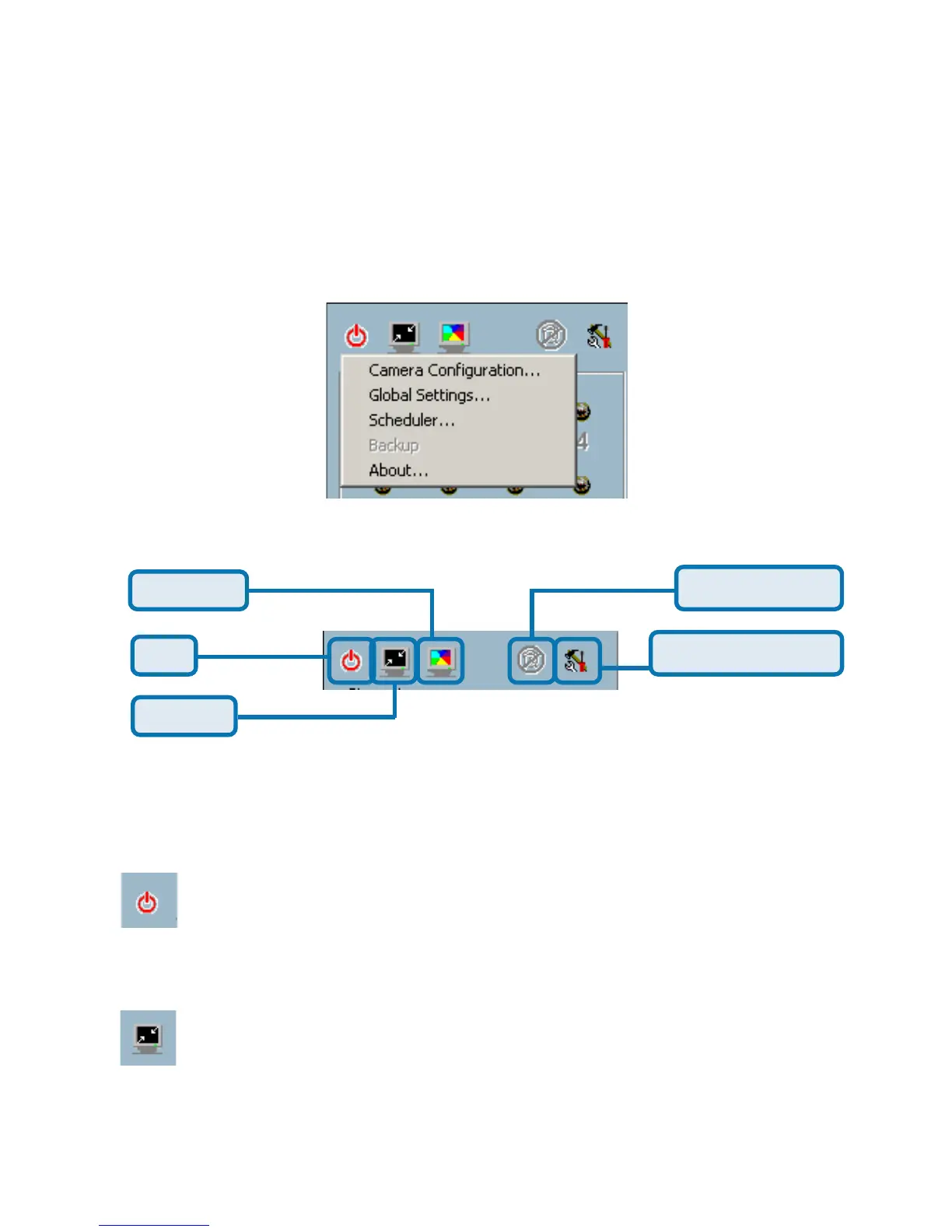
Miscellaneous Functions
Full Screen
Quit
Minimize
Stop Alert Sound
Configuration Menu
This section will describe some other miscellaneous functions of the icons
shown above. These functions are:
Quit
By clicking this button, IP surveillance will be closed with the
latest settings saved.
Minimize
Minimize the Monitor program.
Monitor Program (continued)
By choosing “About”, located in the configuration menu shown below, a dialog
box will appear and display the information about the installed version of IP
surveillance. The information includes the software name, version, user name,
and company.















 To Next Page