18
Adjusting the Sound
The MTS(Multi-channel TV Sound) provides for an extra sound channel. So MTS
feature allows you to improve your TV viewing with high fidelity stereo sound.
SAP(Second Audio Program) used to transmit a second language of other audio
information. If your TV receives a stereo sound(or SAP) broadcast, when the TV is
turned on, select other channel or press the DISPLAY button on the remote control
the word “SAP & St.” is displayed on the screen.
Selecting Stereo/SAP
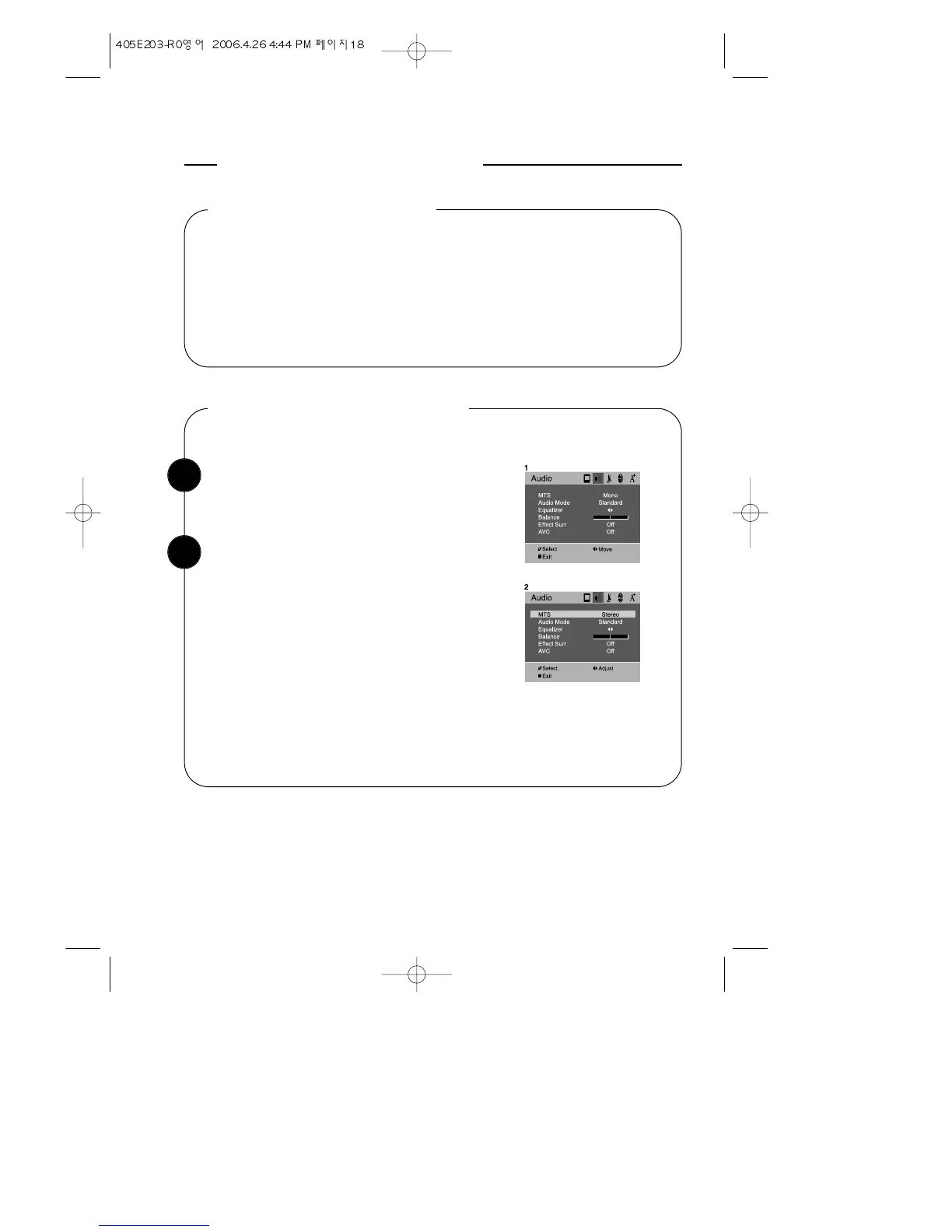
With the TV turned on, press the MENU button.
Then press the CVOLB buttons until “Audio”
menu will be displayed.
Listening to Stereo sound
Use the WCHV buttons to select “MTS” item.
Press the CVOLB buttons repeatedly until:
“Stereo” is displayed.
1
2
To return to normal TV viewing, press DISPLAY
button or MENU button, or wait 15 seconds.
Your setting will remain intact until you change it.
Your TV will then automatically reproduce either
stereo or monaural sound, whichever is broadcast.



 To Next Page