User's Manual
123
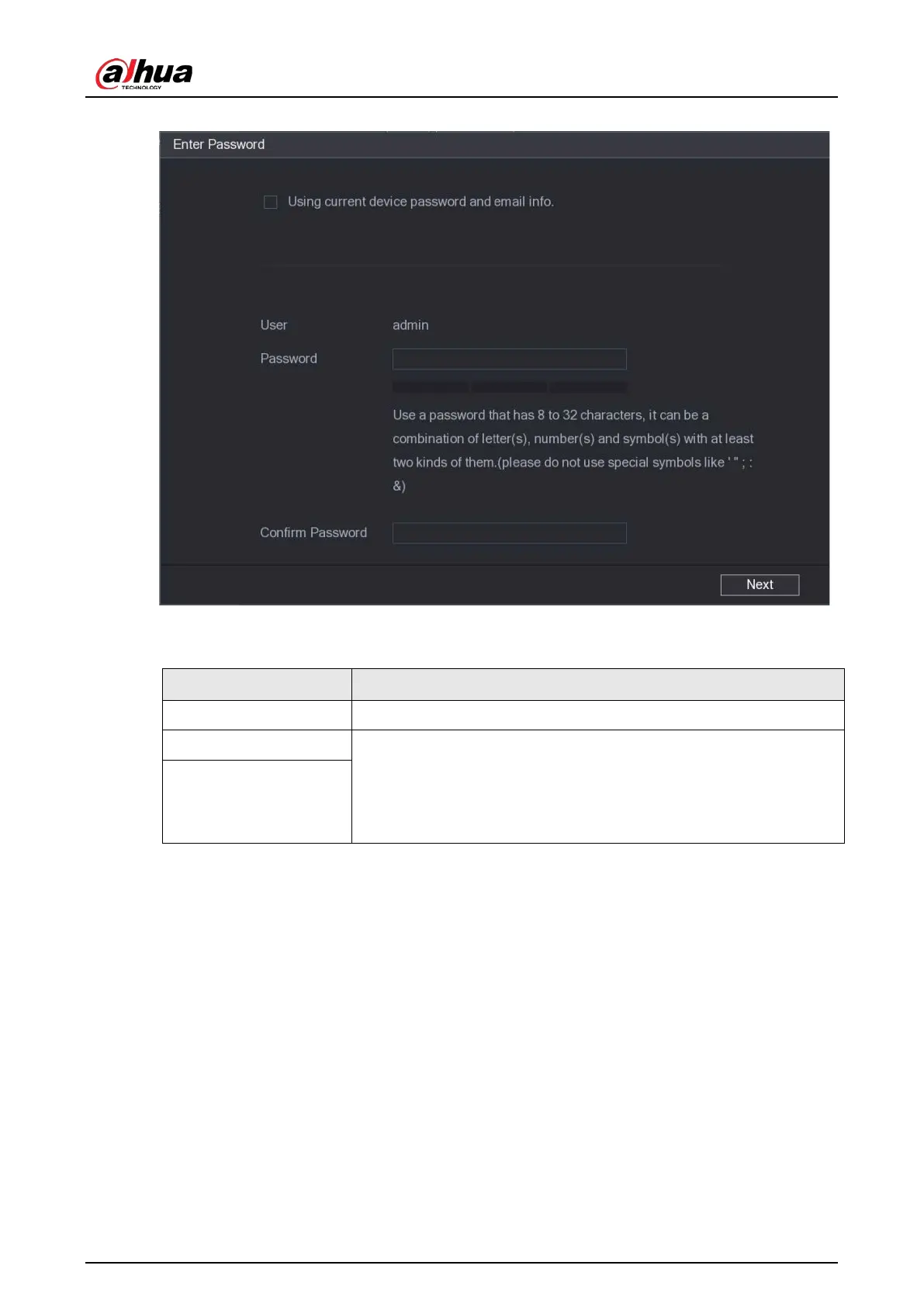
Figure 5-76 Password setting
2) Configure the settings for the password setting parameters.
Table 5-30 Password parameters
Parameter Description
User The default is admin.
Password The password must consist of 8–32 non-blank characters and contain
at least two types of the following characters: uppercase, lowercase,
numbers, and special characters (excluding ' " ; : &).
Enter a strong password according to the password strength bar
indication.
Confirm Password
3) Click
Next
.


 To Next Page
 Loading...