User's Manual
320
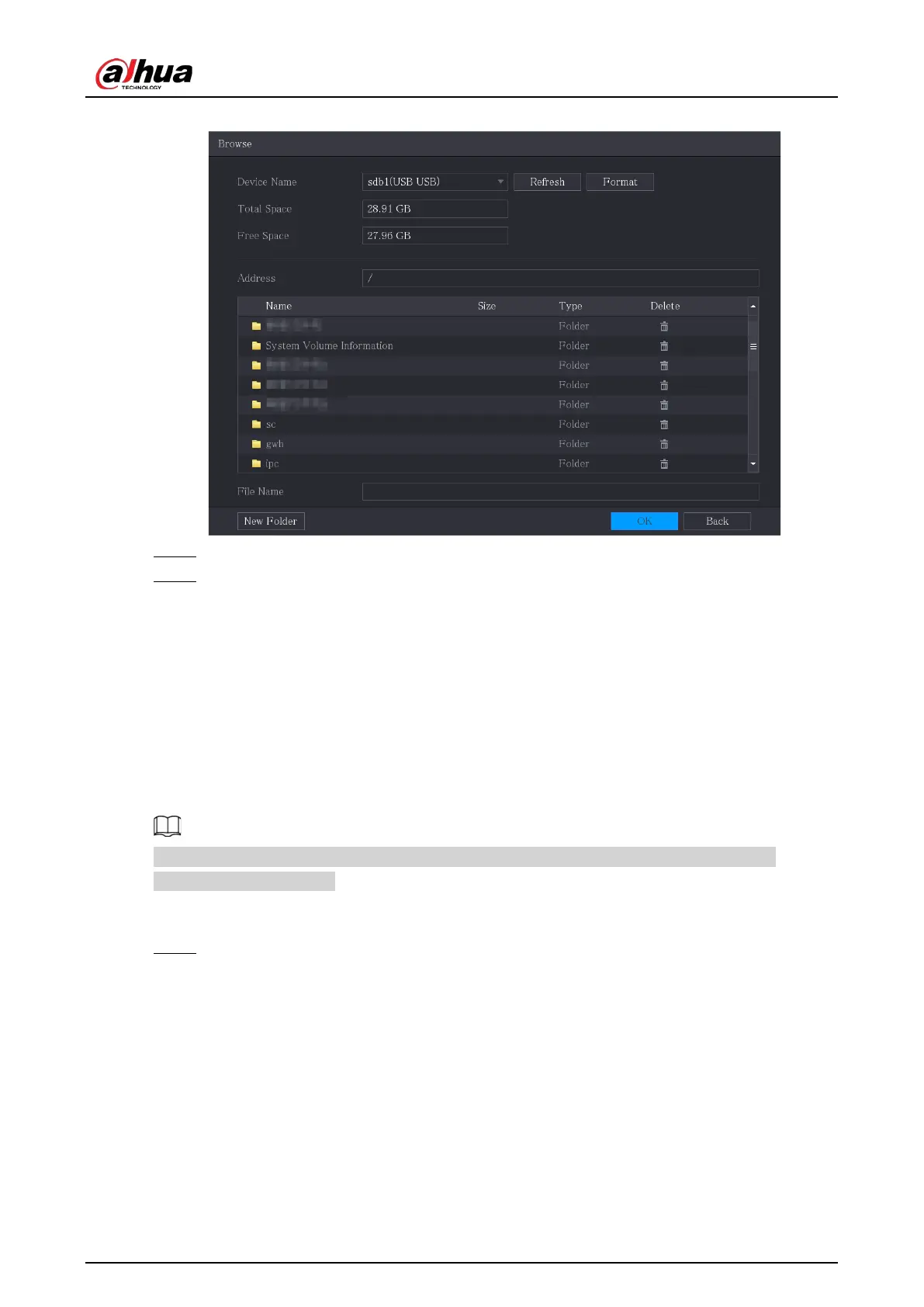
Figure 5-297 Browse
Step 4 Click the file that you want to upgrade.
Step 5 Click
OK
.
5.20.6.2 Performing Online Upgrade
When the Device is connected to Internet, you can use online upgrade function to upgrade the
system.
Before using this function, you need to check whether there is any new version by auto check or
manual check.
●
Auto check: The Device checks if there is any new version available at intervals.
●
Manual check: Perform real-time check whether there is any new version available.
Ensure the correct power supply and network connection during upgrading; otherwise the
upgrading might be failed.
Procedure
Step 1 Select
Main Menu
>
MAINTAIN
>
Manager
>
Update
.


 To Next Page
 Loading...