User's Manual
5
I3/DH-XVR52xxAN-I2/DH-XVR52xxAN-I3/DH-XVR52xxAN-4KL-
I2/DH-XVR52xxAN-4KL-I3/DH-XVR72xxA-4K-I2/DH-XVR72xxA-4K-
I3/DH-XVR72xxA-4KL-I/DH-XVR72xxAN-4K-I2/DH-XVR72xxAN-4K-
I3/DH-XVR82xxA-4K-I/DH-XVR82xxA-4KL-I
Procedure
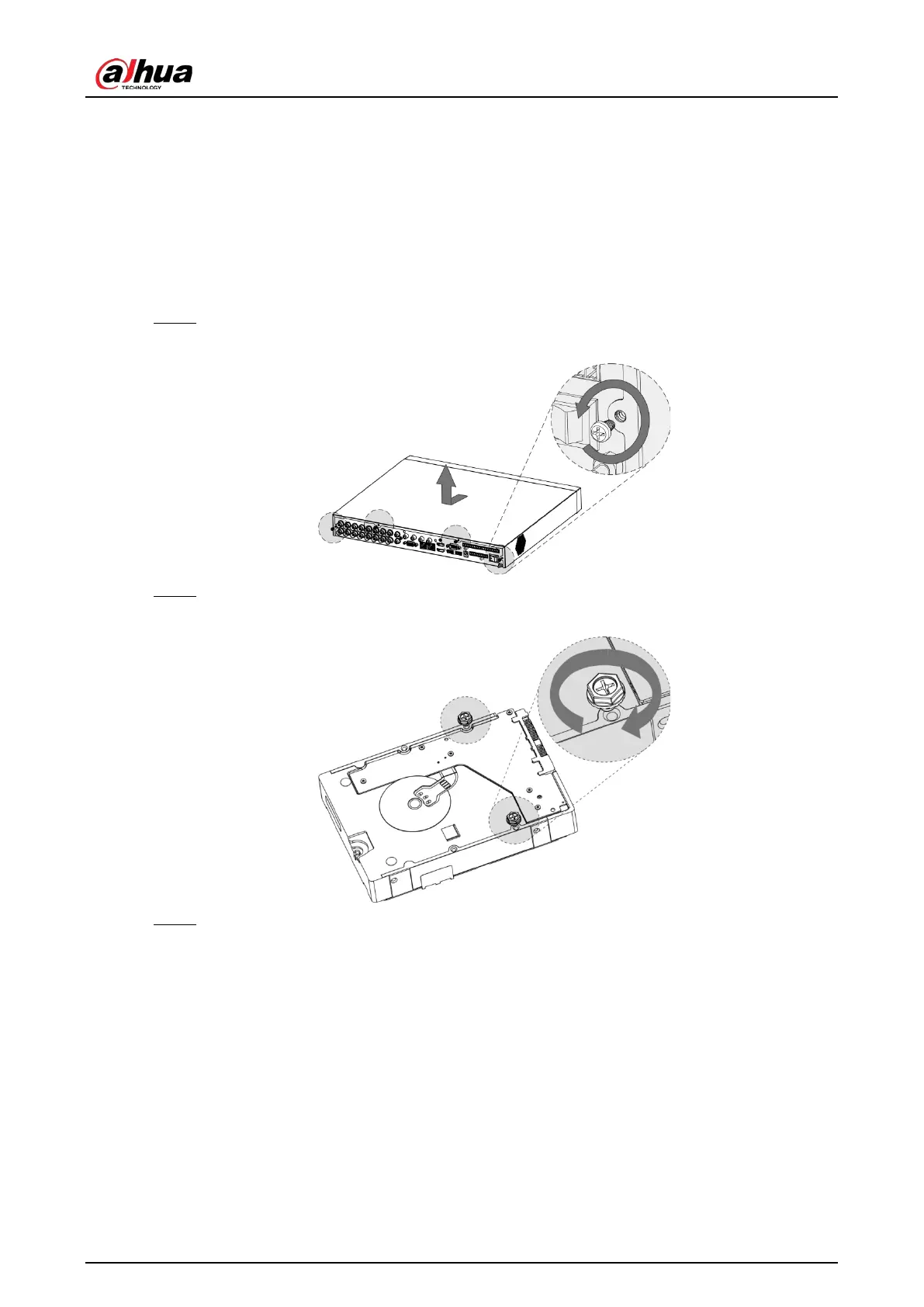
Step 1 Remove the screws to take off the cover.
Figure 2-1 Remove screws
Step 2 Put two screws on the HDD and twist one turn.
Figure 2-2 Put screws
Step 3 Align the two screws with the holes on the device.


 To Next Page
 Loading...