User's Manual
258
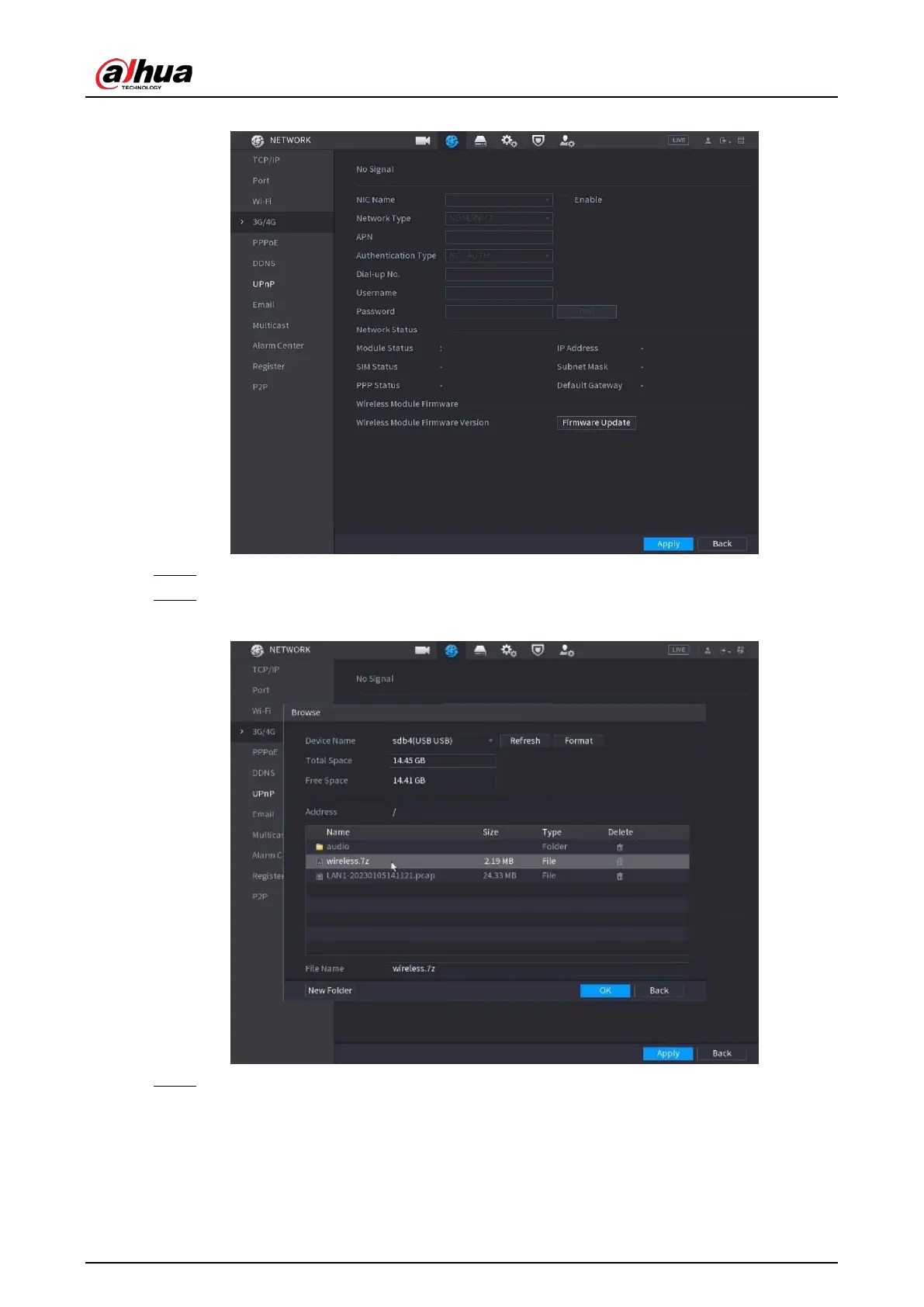
Figure 5-221 3G/4G
Step 3 Configure the settings. For details, see Table 5-58
.
Step 4 Click
Firmware Update
, select related firmware file, and then click
OK
.
Figure 5-222 Firmware upgrade
Step 5 Click
Apply
, and then waiting for the firmware to be installed.
5.15.1.5 Configuring PPPoE Settings
PPPoE is another way for the Device to access the network. You can establish network connection by
configuring PPPoE settings to give the Device a dynamic IP address in the WAN. To use this function,


 To Next Page
 Loading...