User's Manual
166
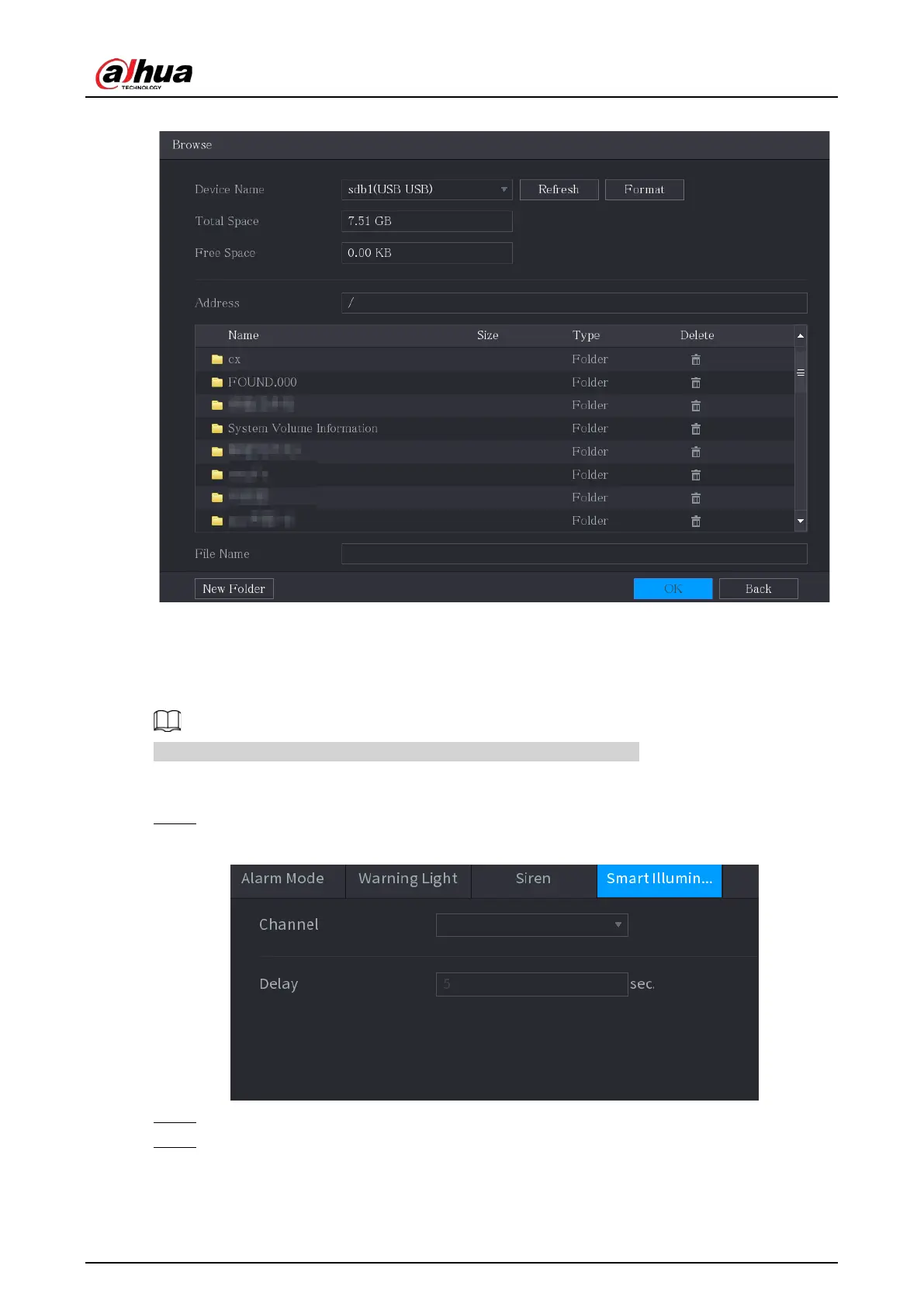
Figure 5-120 Browse
5.10.3.4 Configuring Smart Illumination
The linkage action of smart illumination can extend for a period after the event ends.
To use this function, connect a camera that supports smart illumination.
Procedure
Step 1 Select
Main Menu
>
ALARM
>
Alarm-out Port
>
Smart Illumination
.
Figure 5-121 Smart illumination
Step 2 Select a channel and then set the delay time.
Step 3 Click
Apply
.
The illuminator remains on during the delay period after the linked event ends.


 To Next Page
 Loading...