User's Manual
315
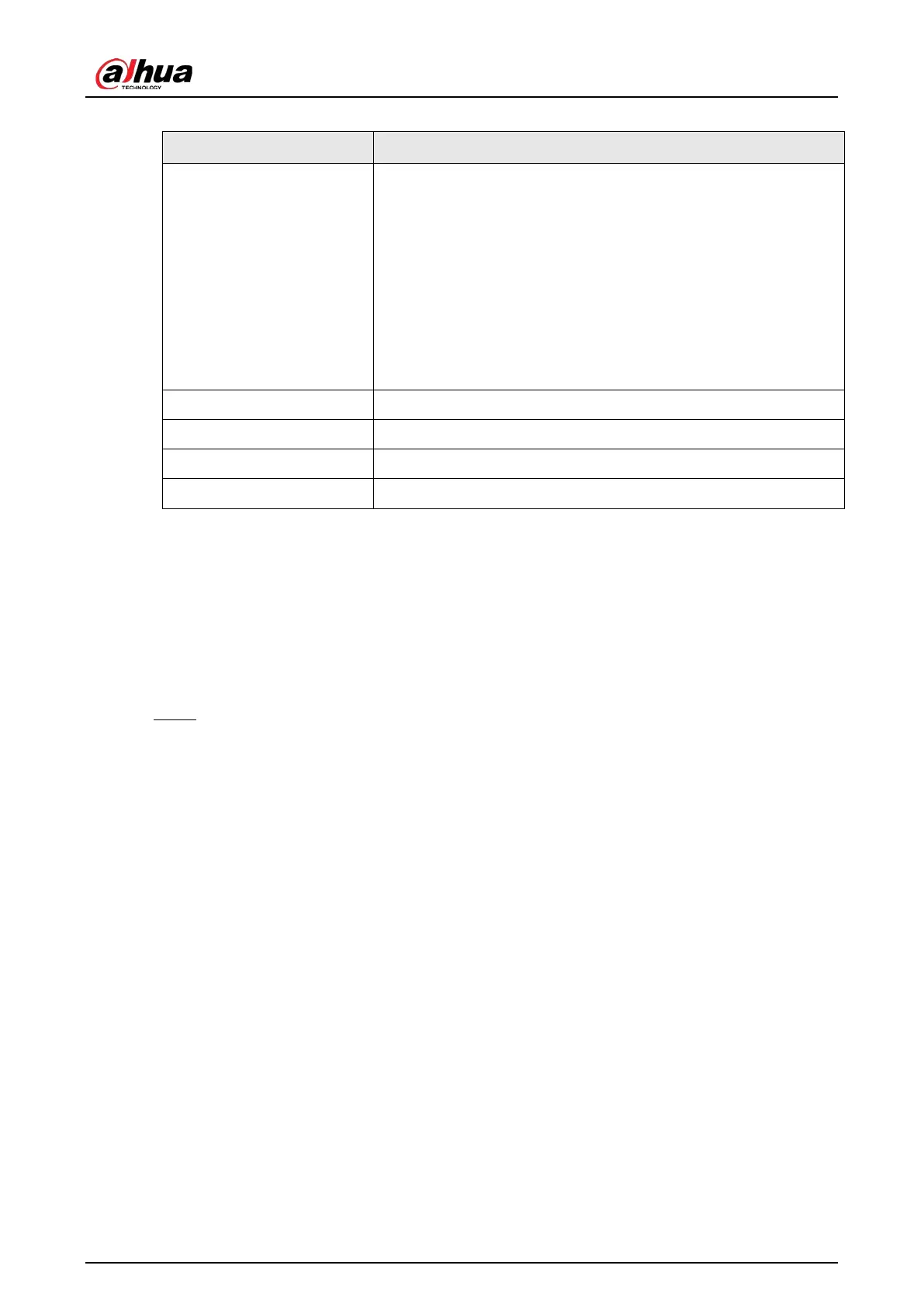
Table 5-81 RS-232 parameters
Parameter Description
Function
Select serial port control protocol. It is
Console
by default.
●
Console: Upgrade the program and debug with the console
and mini terminal software.
●
Keyboard: Control this Device with special keyboard.
●
Adapter: Connect with PC directly for transparent
transmission of data.
●
Protocol COM: Configure the function to protocol COM, in
order to overlay card number.
●
PTZ Matrix: Connect matrix control.
Baud Rate Select baud rate, which is 115200 by default.
Data Bits It ranges from 5 to 8, which is 8 by default.
Stop Bits It includes 1 and 2.
Parity It includes none, odd, even, mark and null. It is none by default.
5.20.3 Configuring System Maintenance Settings
When the Device has been running for a long time, you can configure the auto reboot when the
Device is not working. You can also configure the case fan mode to reduce noise and extend the
service life.
Procedure
Step 1 Select
Main Menu > MAINTAIN
>
Manager
>
Maintenance
.


 To Next Page
 Loading...