User's Manual
162
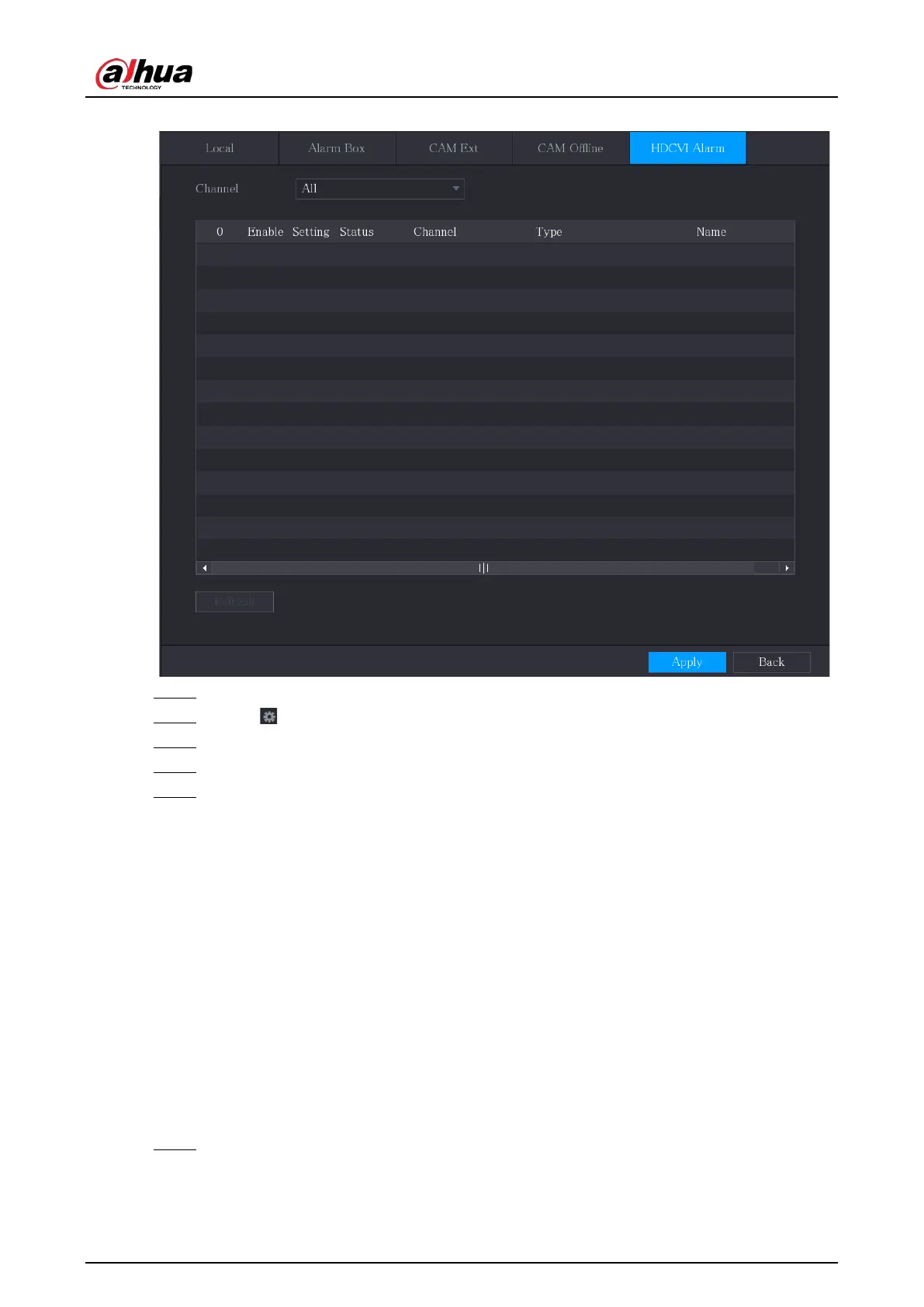
Figure 5-116 HDCVI alarm
Step 2 In the
Channel
list, select a channel or
All
.
Step 3 Click .
Step 4 Configure the settings for other parameters of the Alarm Box.
Step 5 Click
OK
to save the settings.
Step 6 Click
Apply
to complete the settings.
5.10.3 Alarm Output Settings
5.10.3.1 Configuring Alarm Output
When the Device activates alarms, the connected alarm device generates alarms in the way that you
can configure in this section. You can connect to the output port of the Device or connect wirelessly.
●
Auto
: When an alarm event is triggered on the Device, the connected alarm device generates
alarms.
●
Manual
: The alarm device is forced to keep generating alarms.
●
Stop
: The alarm output function is not enabled.
Procedure
Step 1 Select
Main Menu
>
ALARM
>
Alarm-out Port
>
Alarm Mode
.



 To Next Page
 Loading...