User's Manual
237
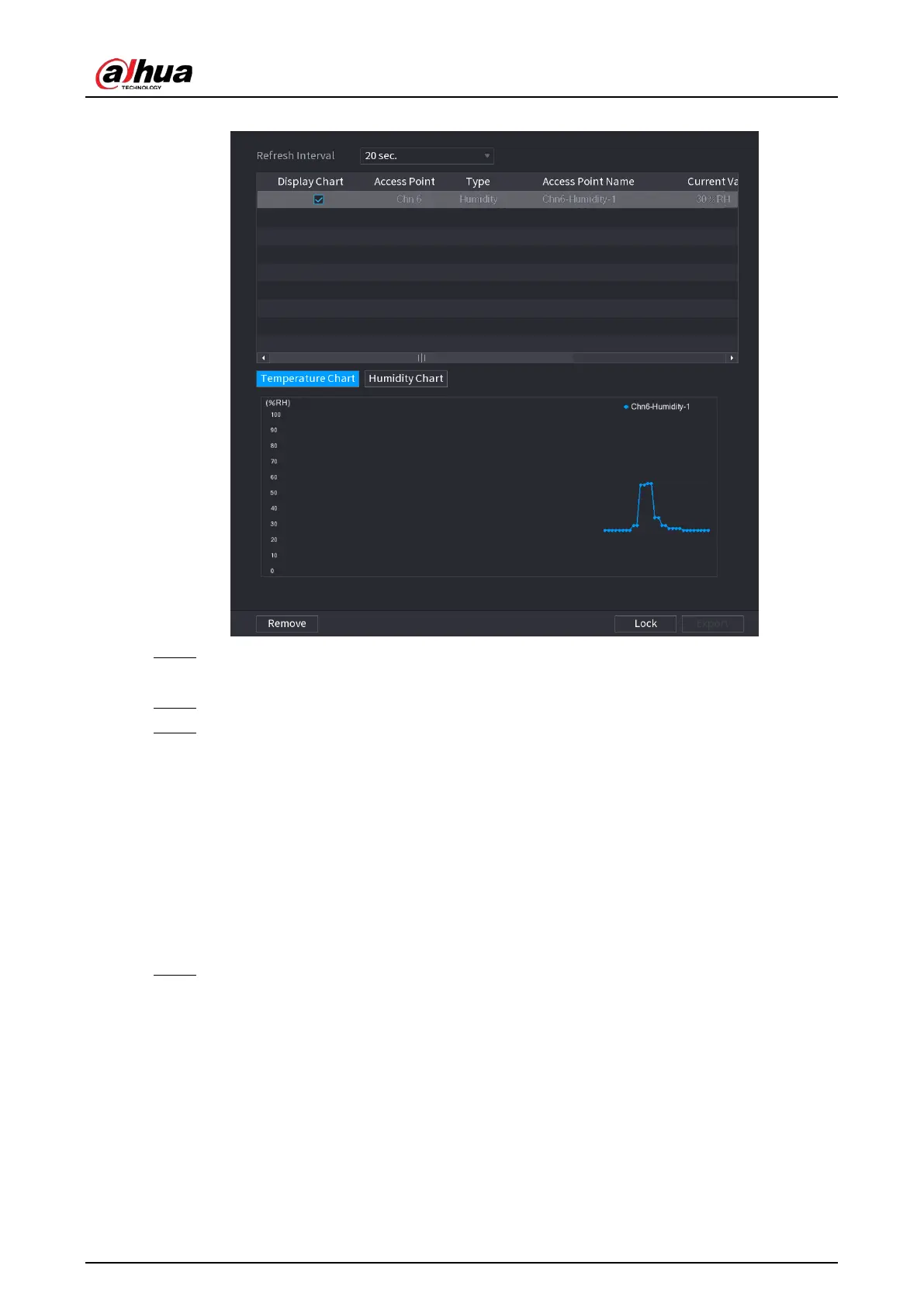
Figure 5-202 Humidity
Step 3 Click
Lock
to lock the data.
The export button is enabled.
Step 4 Click
Export
. The system starts exporting the data.
Step 5 Click
OK
.
You can find the exported data on your USB device.
5.12.2.4 Configuring Alarm Linkage
You can configure alarm linkage settings for temperature and humidity data.
5.12.2.4.1 Configuring Alarm Linkage for Temperature Data
Procedure
Step 1 On the home page, select
IoT
>
Management
>
Temperature/Humidity
.



 To Next Page
 Loading...