User's Manual
83
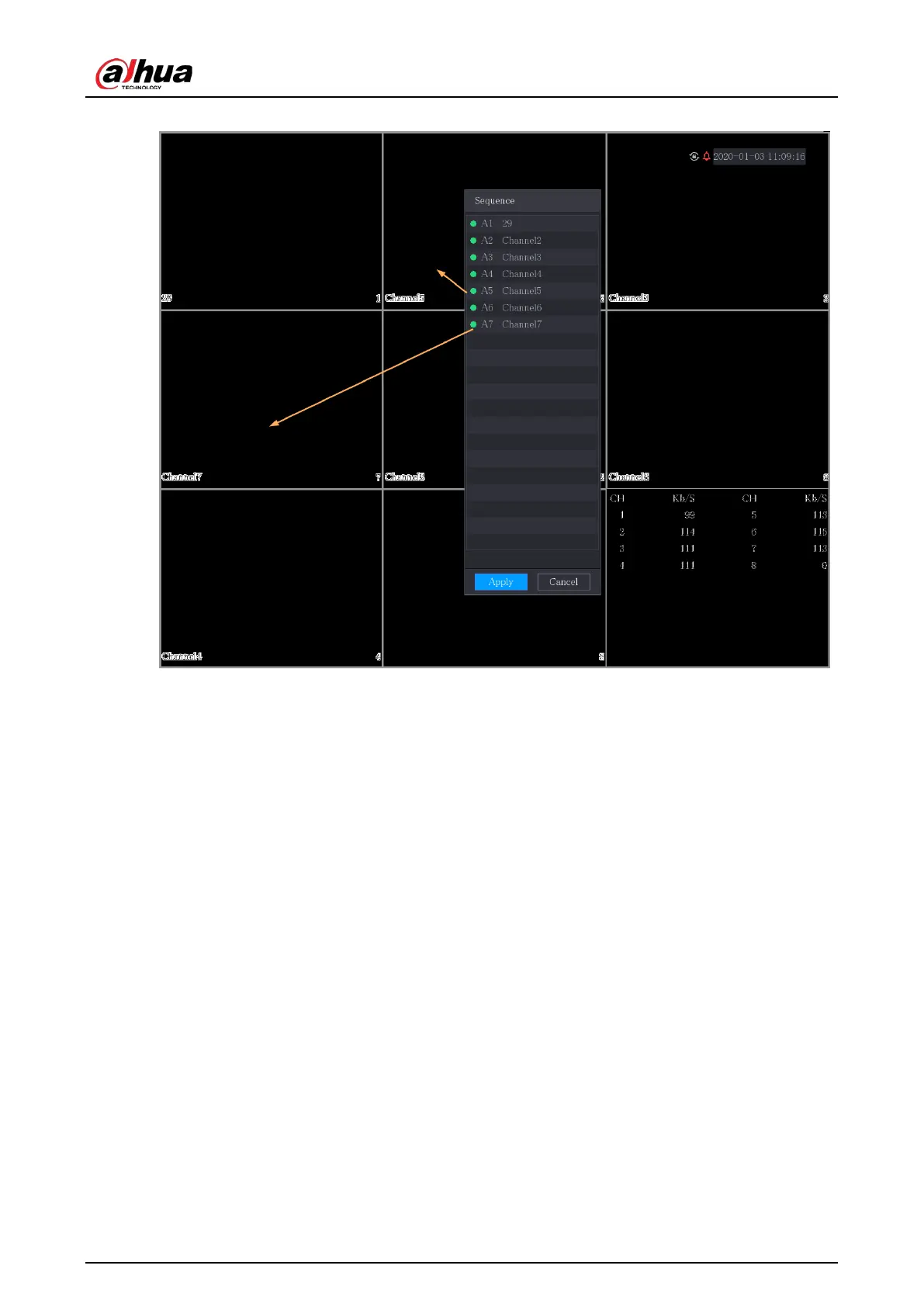
Figure 5-41 Adjusted sequence
5.2.7 Color Setting
You can adjust the video image color effect such as sharpness, brightness, and contrast. The
parameters are different according to the connected camera type. Take analog channel as an
example.
Parameters displayed on the page vary from different cameras.
In the live view screen, right-click on the analog channel to see the shortcut menu, and then select
Image
, the
Image
page is displayed.


 To Next Page
 Loading...