User's Manual
191
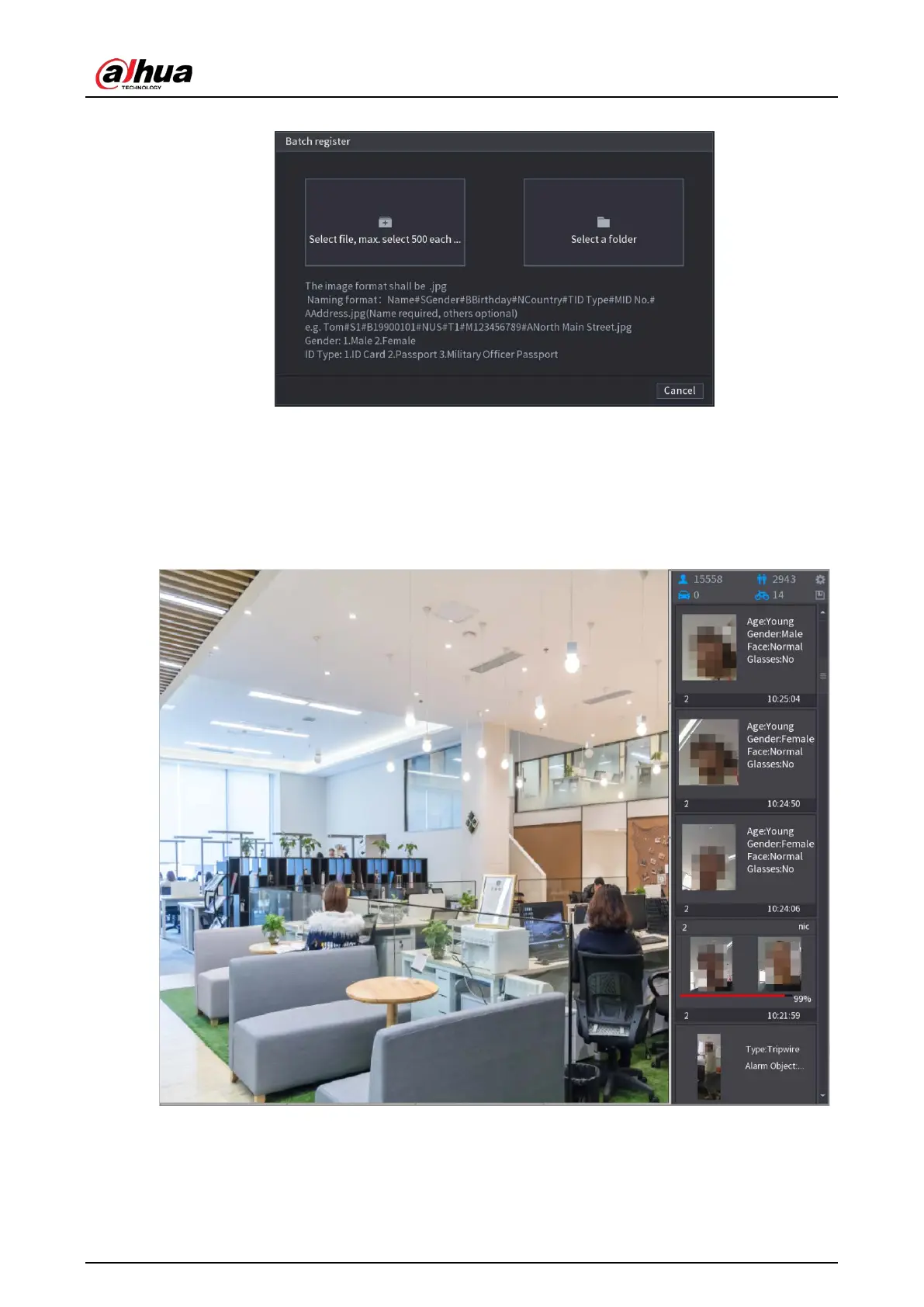
Figure 5-145 Batch register
3. Click
Select file, max select 500 each time
or
Select a folder
to import face pictures.
4. Click
OK
to complete batch registration.
Adding the Detected Faces
1. Right-click on the live view screen, and then select
Live Mode
>
AI Mode
.
Figure 5-146 AI mode live view
2. Double-click the detected face snapshot that you want to add.


 To Next Page
 Loading...