User's Manual
194
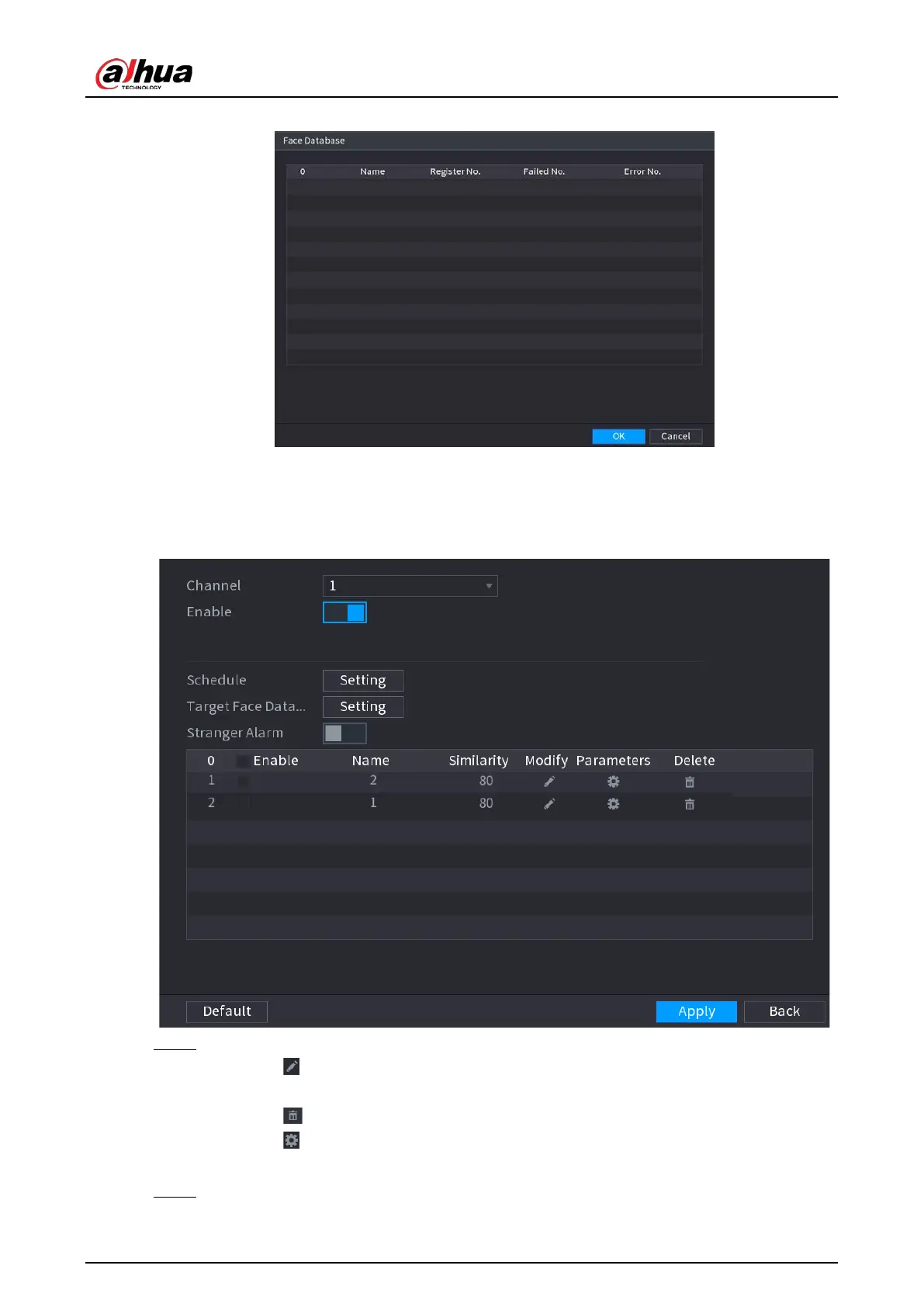
Figure 5-150 Face database
2) Select one or multiple face databases.
3) Click
OK
.
The selected face database is listed.
Figure 5-151 Selected face database
Step 5 Configure the added face database.
●
Click to modify the similarity. The lower the number is, the easier the alarm linkage
will trigger.
●
Click to delete the face database.
●
Click to set the alarm linkage.
●
After setting is completed, click
OK
.
Step 6 (Optional) (Optional) Enable the
Stranger Mode
.


 To Next Page
 Loading...