User’s Manual
140
If there is no alarm event, the system performs scheduled snapshot.
If there is any alarm event, the system performs event triggered snapshot.
5.8.1.1 Configuring Scheduled Snapshot
Right-click on the live view screen, the shortcut menu is displayed.
On the shortcut menu, select Manual Control > Record Control.
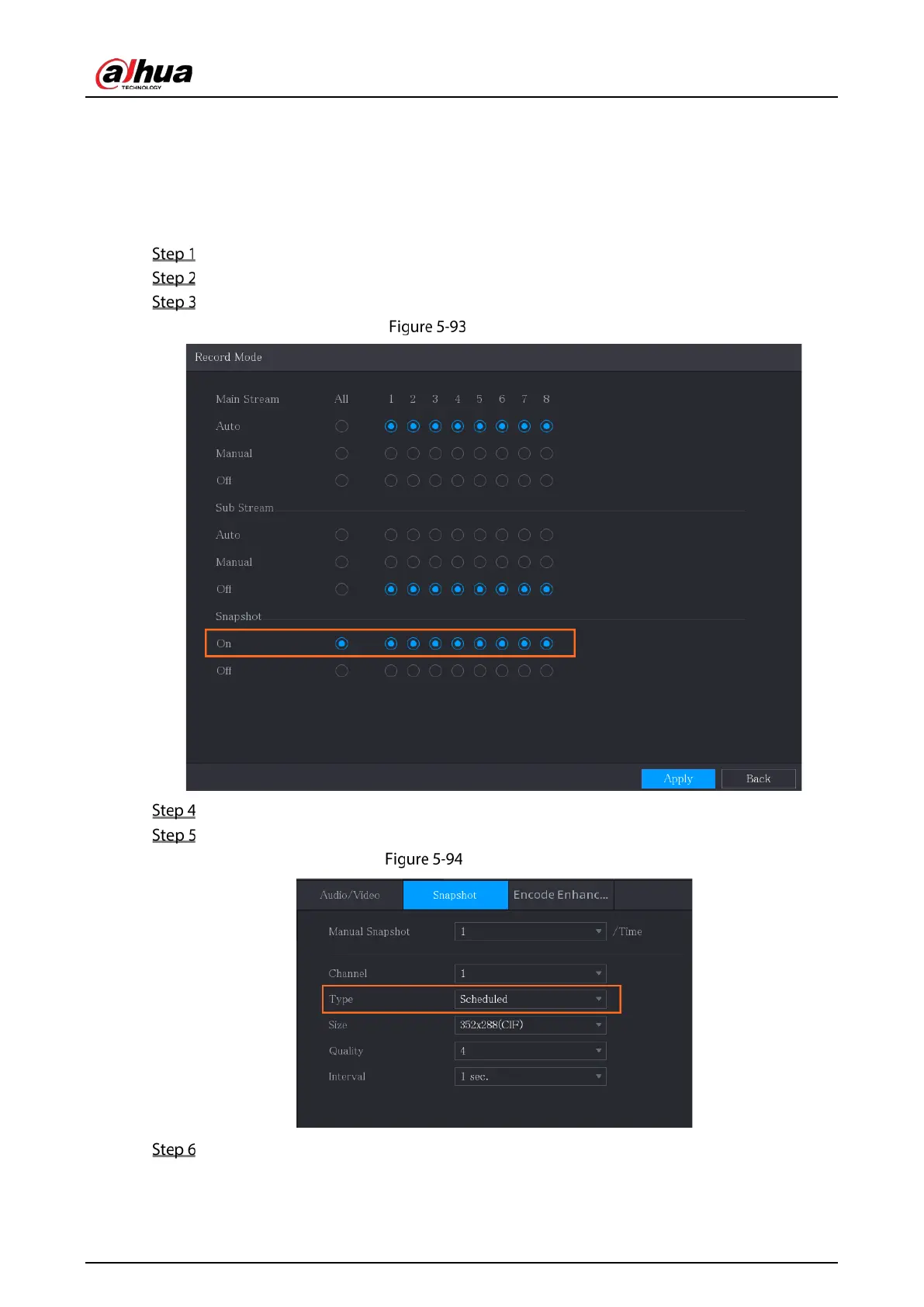
In the Snapshot area, enable the snapshot for the channels if needed.
Snapshot
Select Main Menu > CAMERA > Encode > Snapshot.
In the Type list, select Scheduled, and then configure other parameters.
Scheduled
Click Apply to save the settings.
If you have configured the snapshot schedule, the configuration has been completed.
If you have not configured the snapshot schedule, see "5.1.4.10 Configuring Snapshot


 To Next Page
 Loading...
