19
3
Cool
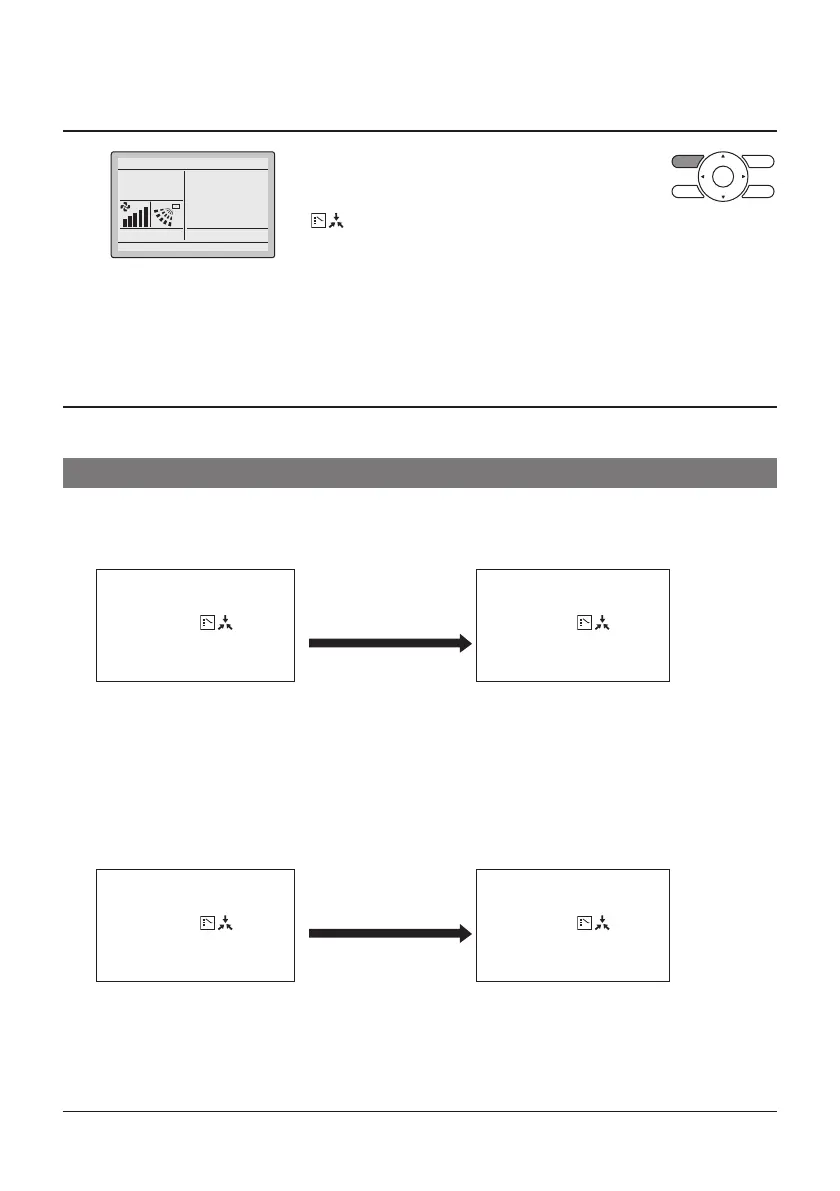
• Press Mode Selector button on the remote
controller that has the cool/heat selection
eligibility (the remote controller without the icon
“
”) several times until the desired mode is
selected.
The display will change to “Fan”, “Dry”, “Auto”,
“Cool”, “Heat” each time the button is pressed.
• The display “Auto” will appear for the Heat
Recovery system only.
Simultaneously, the other remote controllers will
follow suit and change the display automatically.
Cool/Heat Selection Eligibility
• The “Cool”, “Heat”, “Auto” can be set by only the remote controller that has the cool/heat selection
elig bility.
(The display “Auto” will appear for the Heat Recovery System only.)
1.
The remote controller with
the selection elig bility
Set to “Cool”, “Heat”,
“Dry”, “Auto” mode.
Other remote controllers
(Icon “
”
(Changeover Under
Control) is not displayed)
(Icon “
”
(Changeover Under
Control) is displayed)
• The system will go into the mode set in
the remote controller with the selection
elig bility. Other modes are not
available.
• However, the system can be switched
to “Fan” mode.
In case of “Cool” or “Dry” mode, the
system can be switched to “Dry” mode
from “Cool” mode and to vice-versa.
2.
The remote controller with
the selection elig bility
Set to “Fan” mode.
Other remote controllers
(Icon “
”
(Changeover Under
Control) is not displayed)
(Icon “
”
(Changeover Under
Control) is displayed)
• The system cannot be set to other
modes except fan mode.
Set to
28°C



 To Next Page