48
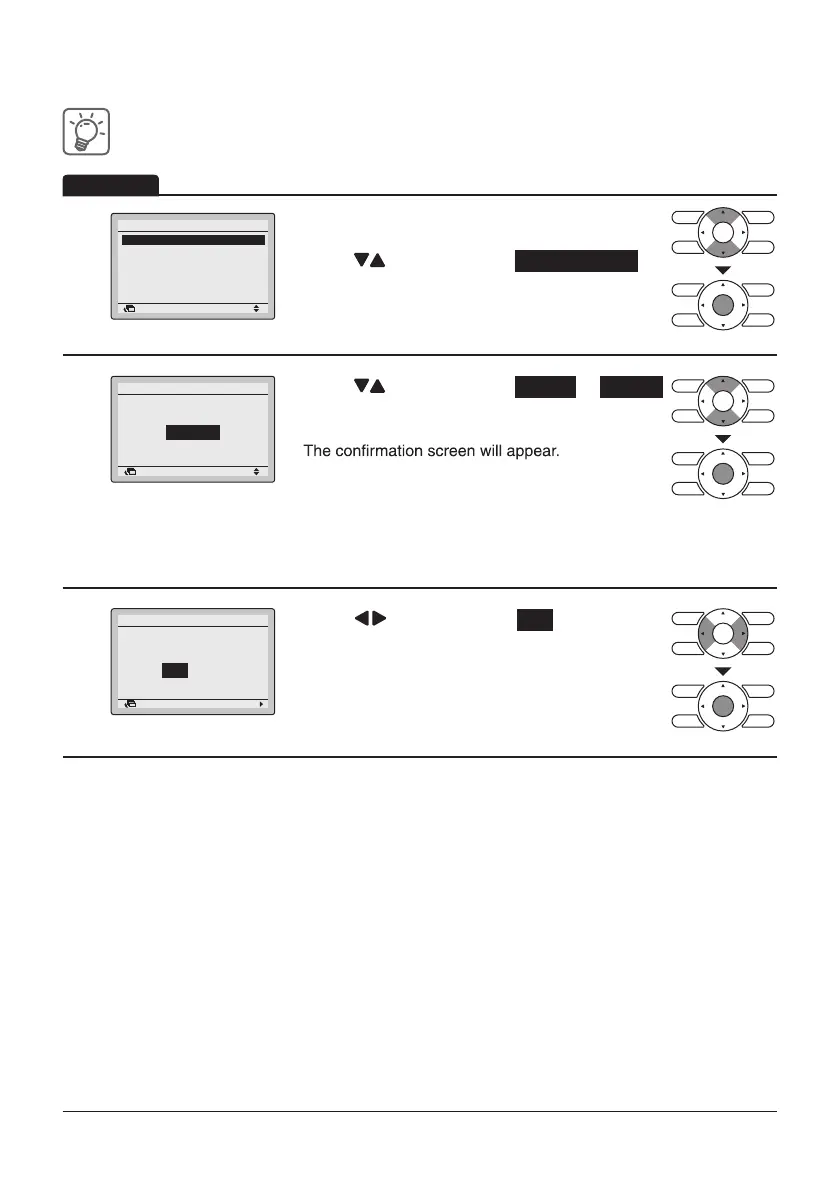
Enabling or disabling the schedule
1
Setting
Schedule
Enable/Disable
Return
• Display the Schedule screen.
(Refer to page43.)
• Press “
” buttons to select Enable/Disable .
Press Menu/Enter button to display the Enable/
Disable screen.
2
Return Setting
Enable/Disable
Schedule
Disable
• Press “ ” buttons to select Enable or Disable
on the Enable/Disable screen.
Press Menu/Enter button after selecting the item.
NOTE: The Schedule number selected is Enabled.
To change the Schedule number see “Schedule Nr
Set” on page44.
3
Return Setting
Save the settings?
Schedule
Yes No
• Press “ ” buttons to select Yes .
Operation
Select Schedule
Holidays
Settings
Basic screen.
Press Menu/Enter button to confirm the Enable/
Disable setting for the schedule and return to the



 To Next Page