39
1
Return Setting
Energy Saving Options
Setpoint Auto Reset
1/2
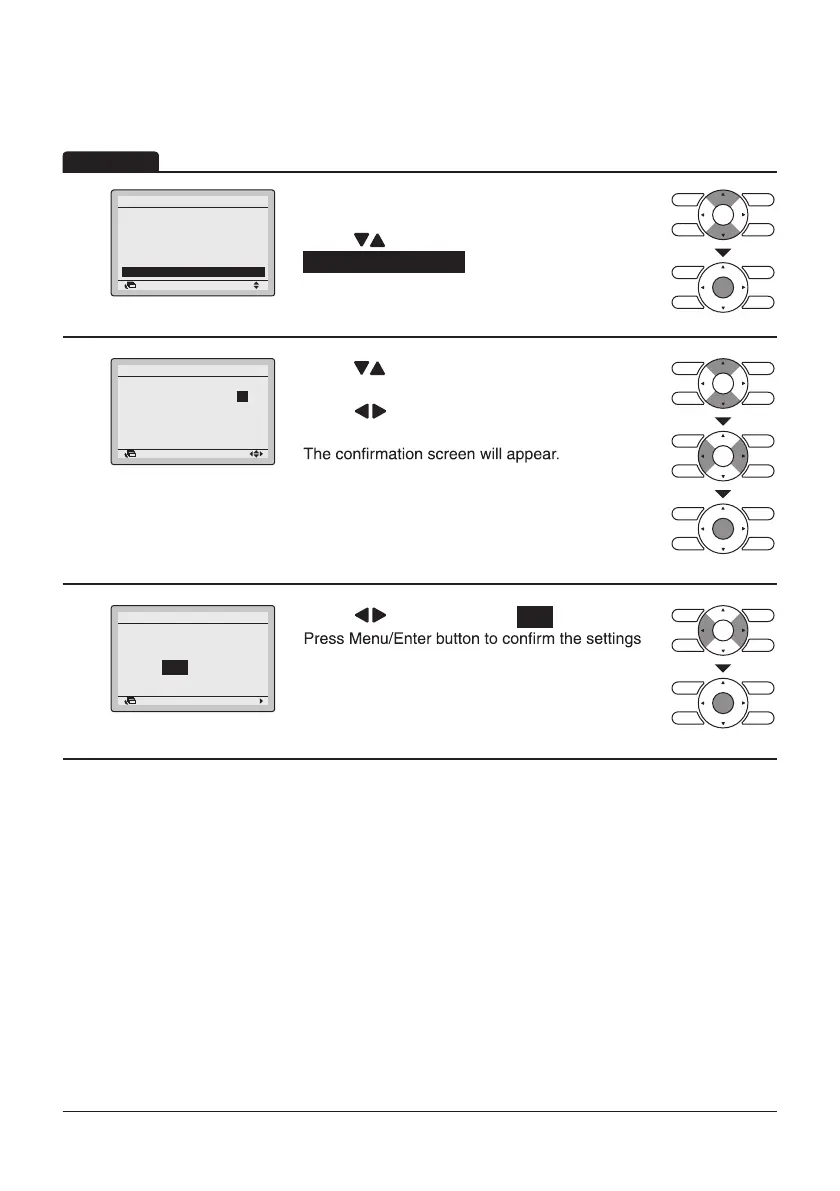
• Display the Energy Saving Options screen (Refer
to page34).
• Press “
” buttons to select
Setpoint Auto Reset .
Press Menu/Enter button to display the Setpoint
Auto Reset screen.
2
Return Setting
Setpoint Auto Reset
Cool
Set temp.:
Set Time: 60 min
Heat
Set temp.: 20°C
Set Time: 90 min
28 °C
• Press “ ” buttons to set preset temperature and
timing for the auto reset of the setpoint.
• Press “
” buttons to move the cursor.
Press Menu/Enter button after selecting the item.
3
Setting
Save the settings?
Setpoint Auto Reset
Yes No
Return
• Press “ ” buttons to select Yes .
and return to the Basic screen.
Operation
Setpoint Auto Reset
Energy Saving List
Setpoint Range
Setback Condition
Sensing Sensor (Low)
Sensing Sensor (Stop)



 To Next Page