41
1
Return Setting
Auto Display Off
Energy Consumption
Off Timer
Energy Saving Options
2/2
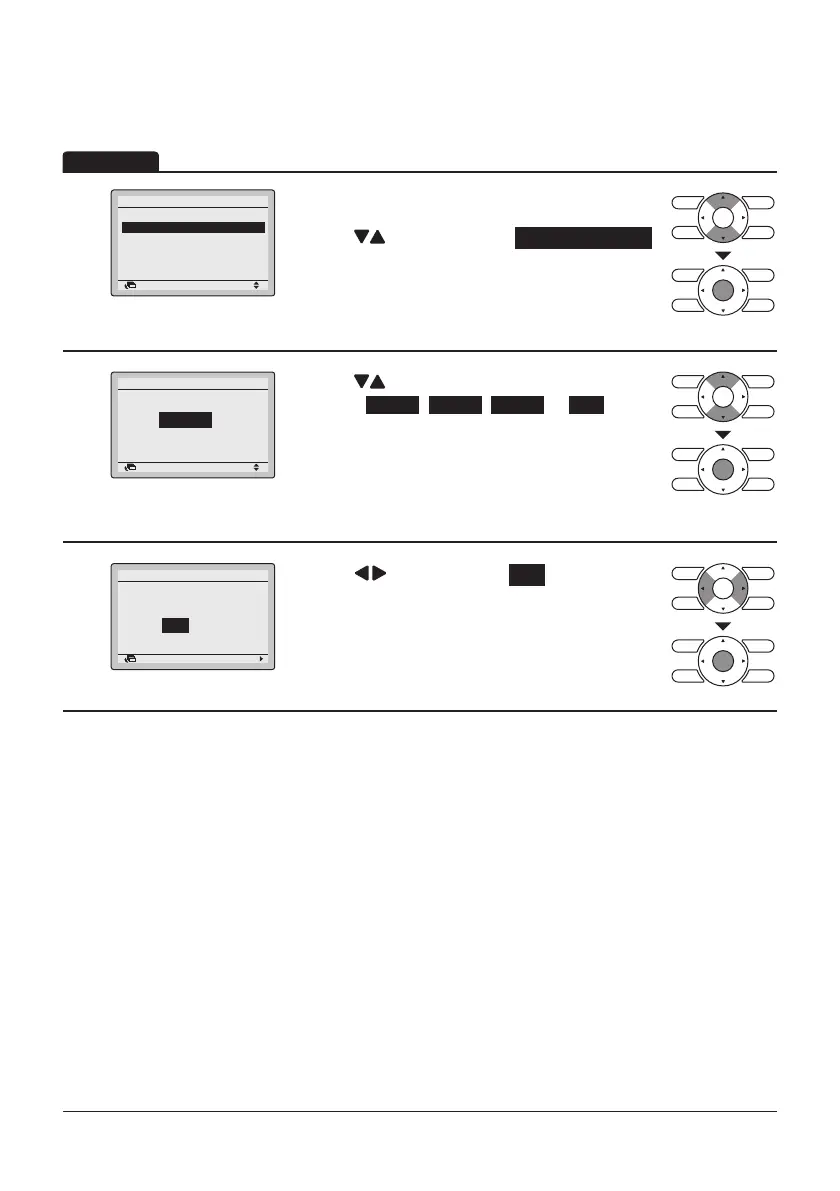
• Display the Energy Saving Options screen.
(Refer to page34.)
• Press “
” buttons to select Auto Display Off .
Press Menu/Enter button to display the
Auto Display Off screen.
2
Return Setting
Setting
10 min
Auto Display Off
• Press “ ” buttons to set the Auto Display
Press Menu/Enter button after selecting the item.
The confirmation screen will appear.
3
Return Setting
Save the settings?
Auto Display Off
Yes No
• Press “ ” button to select Yes .
Operation
Auto Display Off
Off from 10 min , 30 min , 60 min or OFF .
Press Menu/Enter button to confirm the settings
and return to the Basic screen.



 To Next Page