57
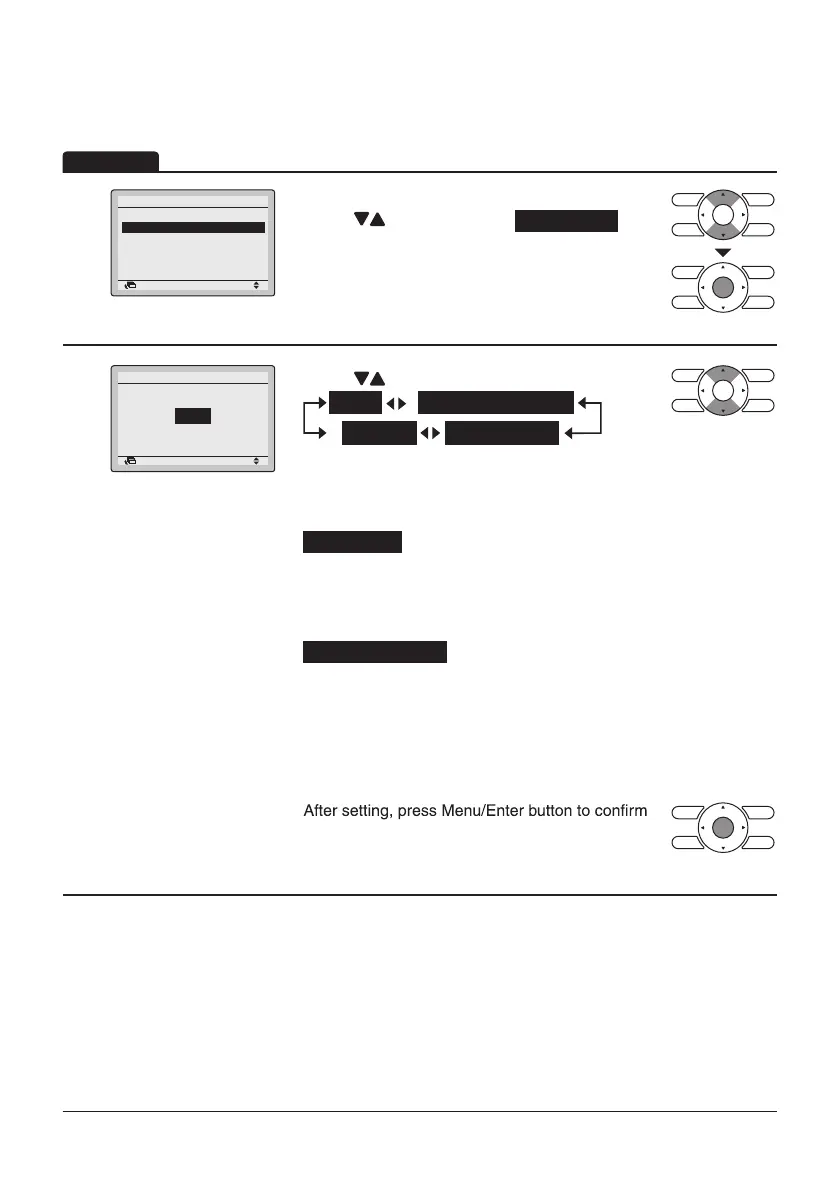
Setting the detailed display item selection
1
Return Setting
Display
Display Mode Standard
Display Item None
• Display the Display screen. (Refer to page56.)
• Press “ ” buttons to select Display Item .
Press Menu/Enter button to display the Display
Item screen.
2
Return Setting
Display Item
Display
None
• Press “ ” buttons to display the following.
None
Outside Air Temp
*
Room Temp
System
*
*
Some models may not display these items even if they are selected.
• Be sure to read the following notes regarding display of room
temperature and outdoor air temperature.
Room Temp
.............. The temperature detected near the remote
controller.
The temperature may be affected by the
location of the remote controller.
Outside Air Temp
.............. The temperature defected near the outdoor
unit.
The temperature may be affected by factors
such as the location of the outdoor unit (in
direct sunlight, e.g.) and unit operation during
defrosting.
•
settings and return to the Basic screen.
Operation



 To Next Page