49
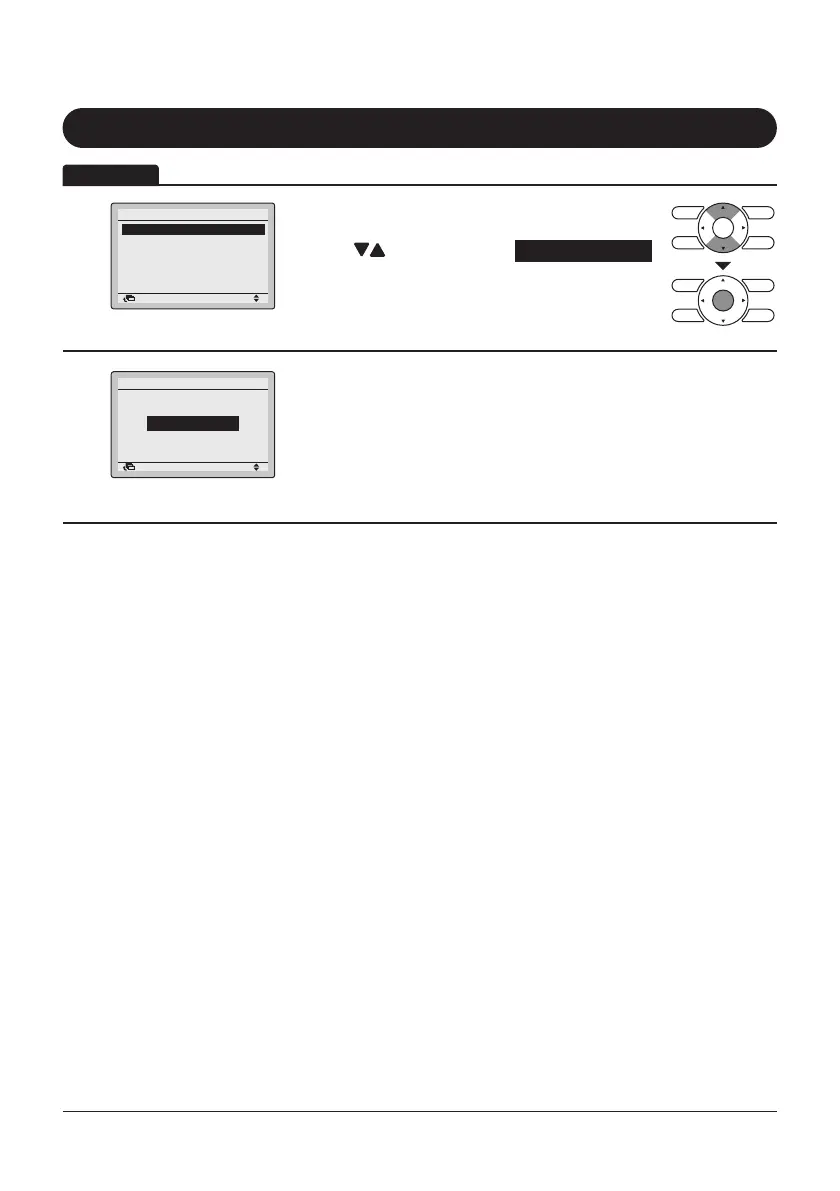
Filter Auto Clean
1
Setting
Main Menu
Filter Auto Clean
Maintenance Information
Configuration
Current Settings
Clock & Calendar
Language
2/2
Return
• Display the Main Menu screen.
(Refer to page25.)
• Press “
” buttons to select Filter Auto Clean
and press Menu/Enter button.
2
Setting
Filter Auto Clean
Filter Auto Clean
0:00 - 3:00
Return
• Filter Auto Clean time zone setting can be set.
• This function is available only on the model whose
panel has Filter Auto Clean function.
• For detailed operation, refer to the operation
manual of these models.
Operation



 To Next Page