Dakewe (Shenzhen) Medical Equipment Co., Ltd
1. Boot preferences 1
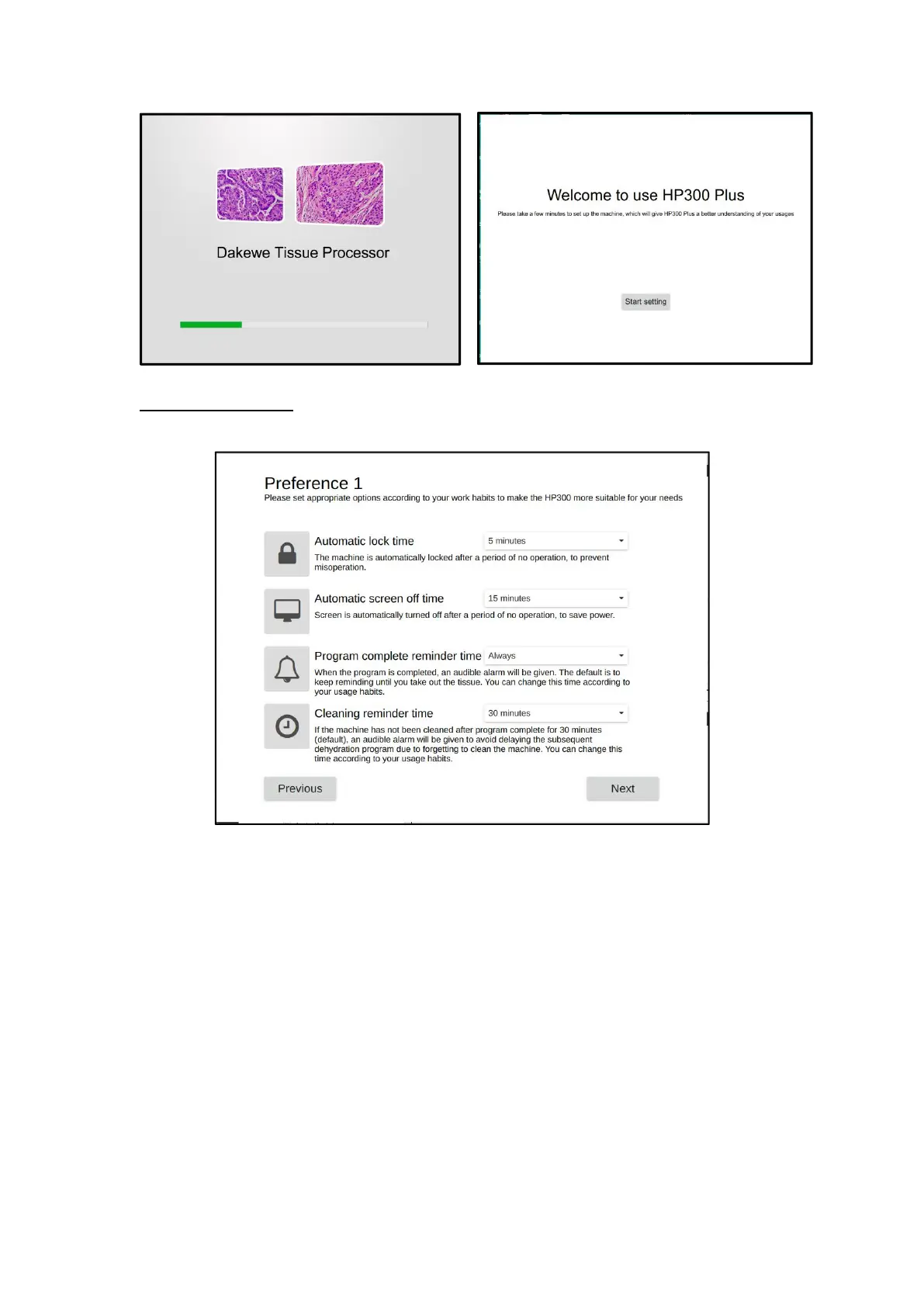
After booting up, click "Start Setting" to enter the "Preferences 1" interface
Preferences 1
(1) Automatic lock time
The system will automatically enter the lock screen interface when there is no
operation after the set time;
(2) Automatic screen rest time
The system will automatically enter the power-saving mode after the set time
without operation;
(3) Reminder time for disembarkation
After the program is completed, there will be a sound to remind the user to get the
organization, and the duration of the sound is set here (the default is "forever", always
reminding);
(4) Cleaning reminder time
After the dehydration process is completed, manually click the drain to start the



 To Next Page