Dakewe (Shenzhen) Medical Equipment Co., Ltd
6.1.3.4 Reset password
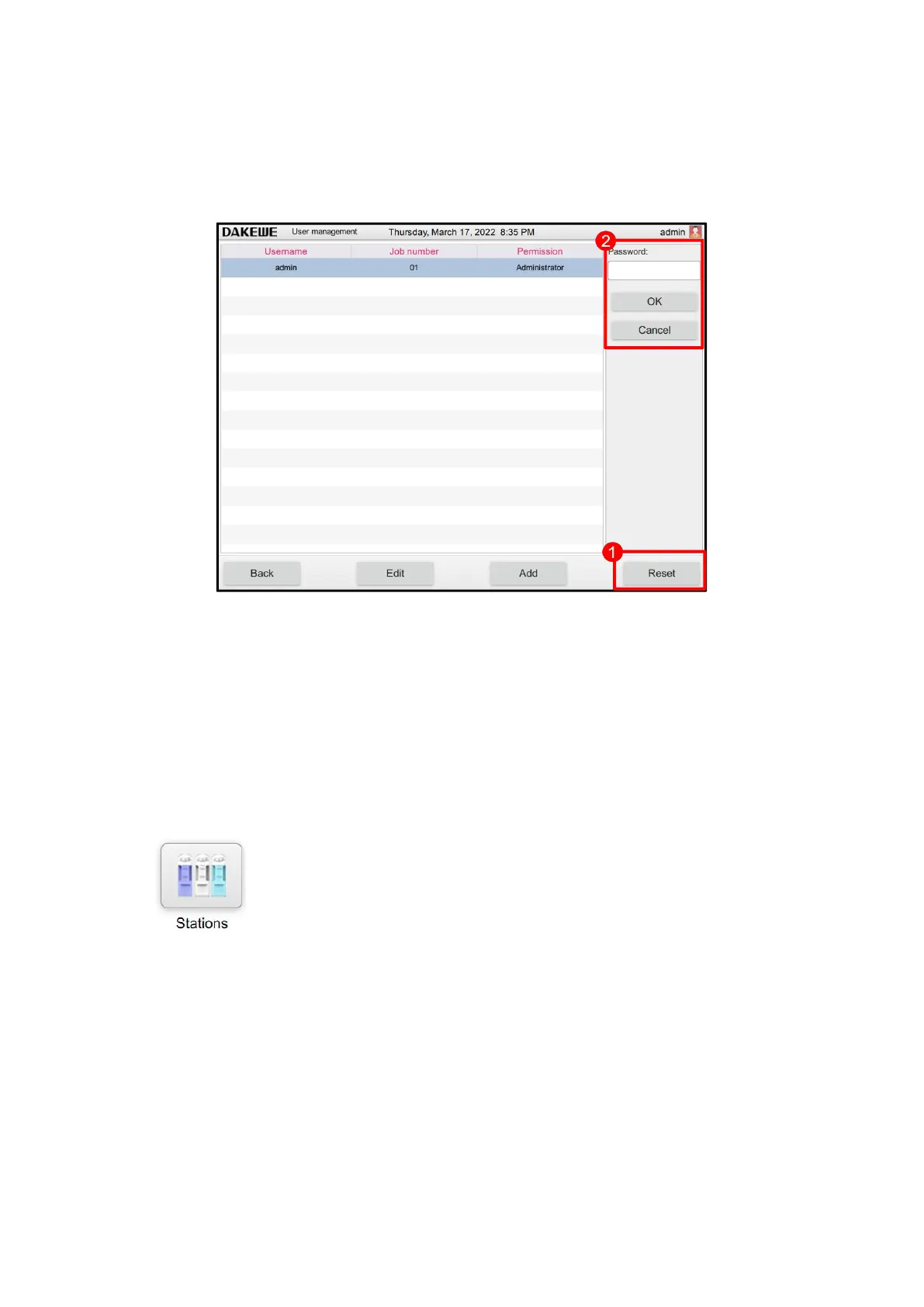
Touch to select any account. Click “Reset Password” (Figure 45-1). Then, the user can
modify the account password (Figure 45-2). Click OK button for saving after the change
is complete. Click Cancel to stop modifying the user password.
6.1.3.5 Delete users
When the administrator account selects other user accounts, At this time, the "Delete
User" button appears, click "Delete User", the "Delete User" dialog box pops up, click
"OK" to confirm the deletion, "Cancel" cancels the delete operation.
6.1.4 Site Layout
Click “Site Layout” in the basic function interface to enter the site interface
(Figure 46). You can modify each site in this interface.



 To Next Page