CO2-Recovery Plant 23 EN/2020
to be installed. For tanks delivered by DALUM wiring diagrams will be available. For other tanks
please contact Dalum with proper tank documentation before connecting to the unit.
3. The Storage tank must have an economizer for flash gas return. If not contact Dalum or the
tank supplier for installation. Flash gas return from the tank economizer is a low pressure
(below 0,5 bar) tube or pipe with 8-10 mm opening connected to the inlet at the Pressure Relief
Valve on the feed gas line.
Often the solution will be agreed upon in the contract. It is important to notice which current is
needed for the tank installation and whether it can be supplied from the PLC as part of the
system, and if it should be galvanic separated. If the tank is supplied from Dalum Beverage
Equipment you receive the complete solution. If you have your own tank system, DALUM needs
technical information on your tank system to be able to supply you with a quality solution.
3.3.7 Internet connection
3.3.7.1 Cable connection
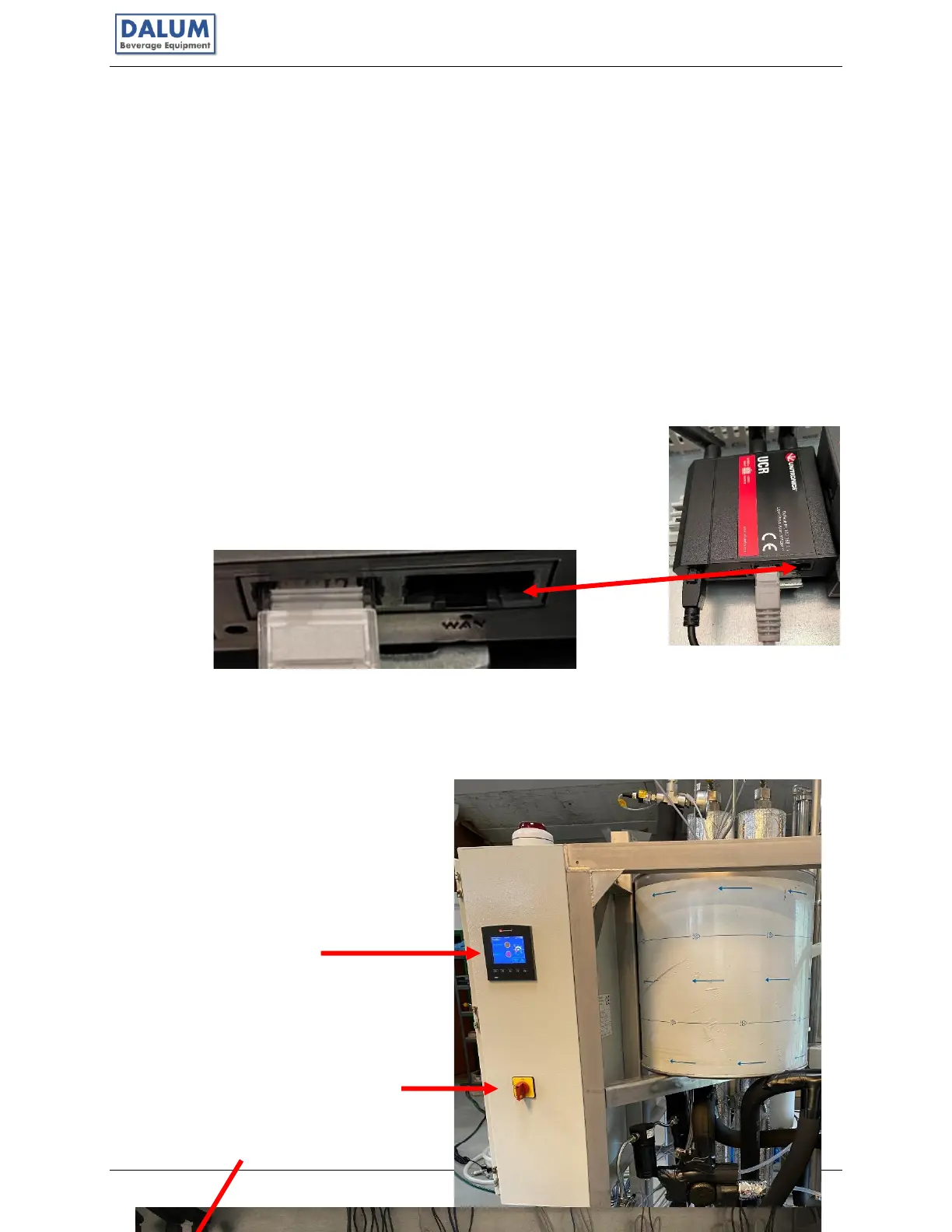
• Connect a network cable (RJ45) to the router in the electrical
cabinet and connect it with your local router that has internet.
The cable should be plugged in the only open port – WAN.
3.3.7.2 Wireless connection
• Turn on the main switch for the Dalum CO2 Unit – within the electrical cabinet various
LEDs will turn on and indicate that power is on, it can also be seen by the PLC display
turning on.
PLC



 To Next Page