Dascom DC-7600 User Guide V1.0
CHAPTER 1 INTRODUCTION
Thank you for choosing Dascom® DC-7600 card printer. You can print high-quality
cards of different colors and styles with this printer. The printer should use the
consumables and accessories provided by Dascom. For more details, please visit our
websiteWWW.DASCOM.COM.
1.1 Unpacking
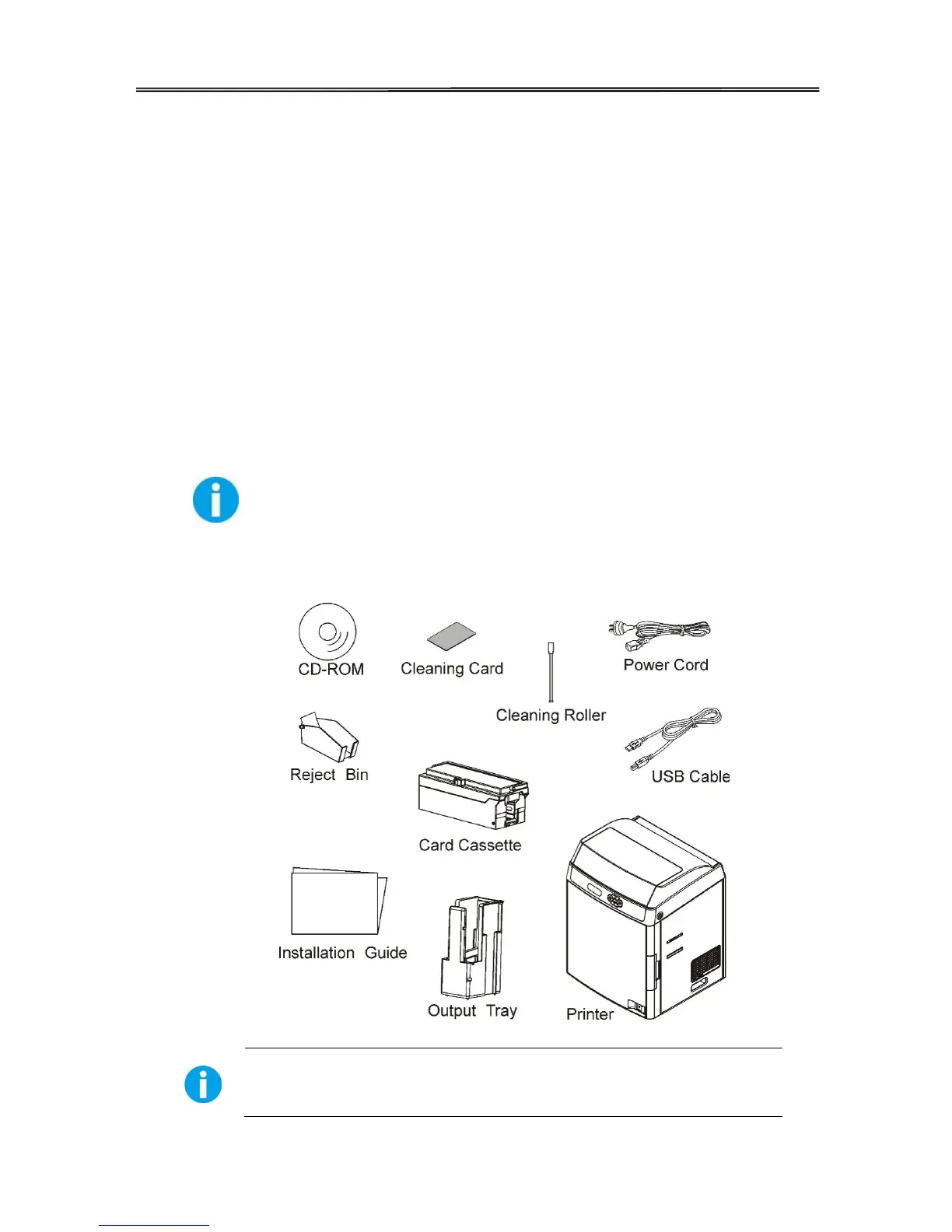
Open the package, take out the printer and remove the protect material. Check if the
parts and accessories in the box are complete as the following picture. If found any
damage. Please contact the carrier and notify your authorized Dascom reseller to
realize the steps to be taken.
When repairing the printer, you must provide the complete original package
(outer crate, wedge and package). If send back the printer without original package, or
the accessories are damaged in transit, the warranty of accessories will be invalid. The
new packing charge for the printer will be charged by yourself.



 To Next Page