Dascom DC-7600 User Guide V1.0
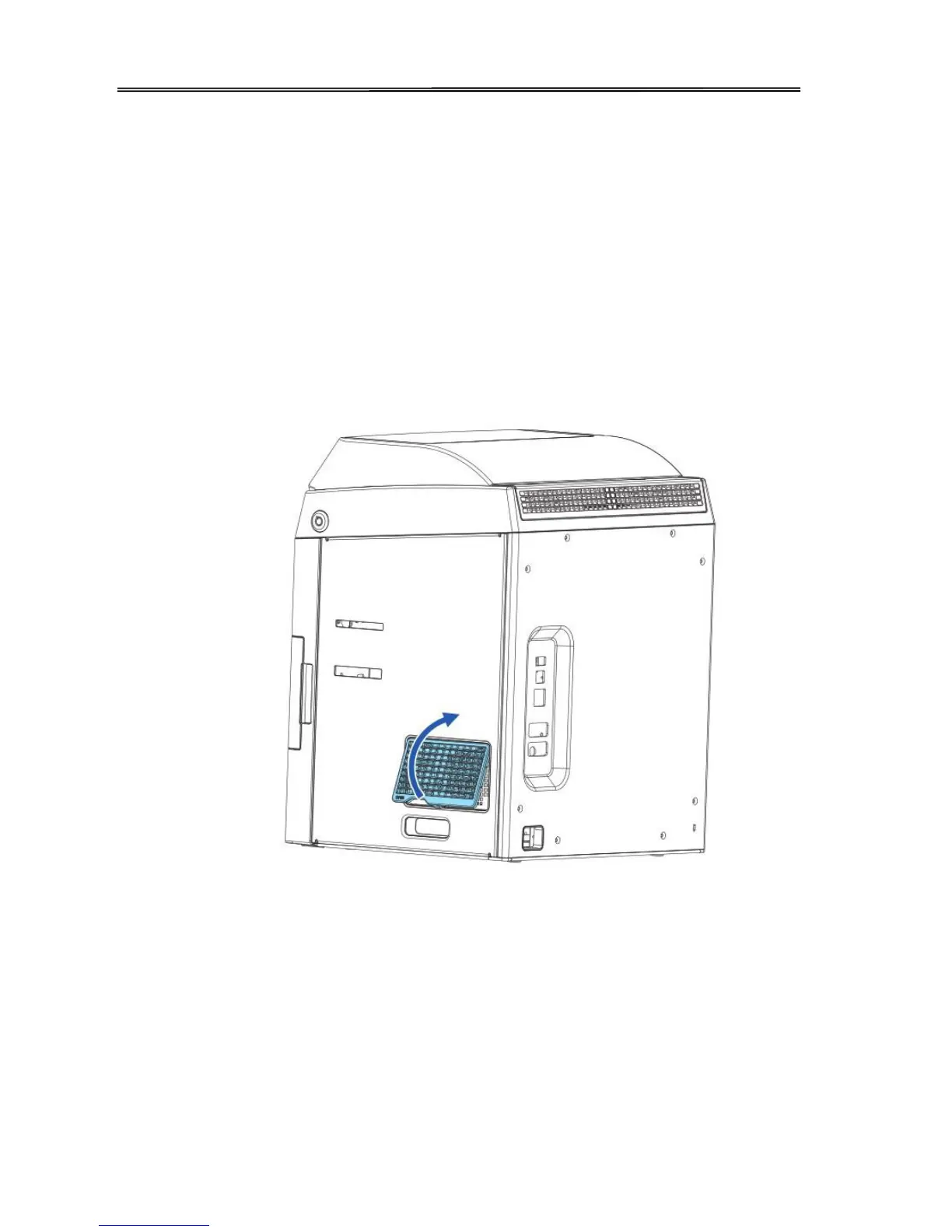
4.5 Filter Cleaning
If the filter becomes clogged or dirty, dirt may enter the printer. It is recommended the filter be
cleaned monthly.
① Turn off the power.
② Remove the filter cover on the rear of the printer.
③ Take out the filter.
④ Use a vacuum cleaner or similar to remove dirt that is adhered to the filter or wash it.
A
○
5E A Press the filter; prevent it from inhaling by the vacuum cleaner.
A
○
6E A Attach the filter cover to the printer.
74



 To Next Page