Dascom DC-7600 User Guide V1.0
2.7 Print card
All kinds of Windows applications have document printing capabilities (such as Microsoft
Office suite MS-Word, MS-Access, MS-Excel, MS-PowerPoint, and the DASCOM self-designed card
editing software CardEditor).
To understand the card layout and its format and print configuration, you are advised to refer to
the following example.
Software Card Editor is used to support DASCOM card printers. Users can quickly generate
and edit content that needs to be printed.
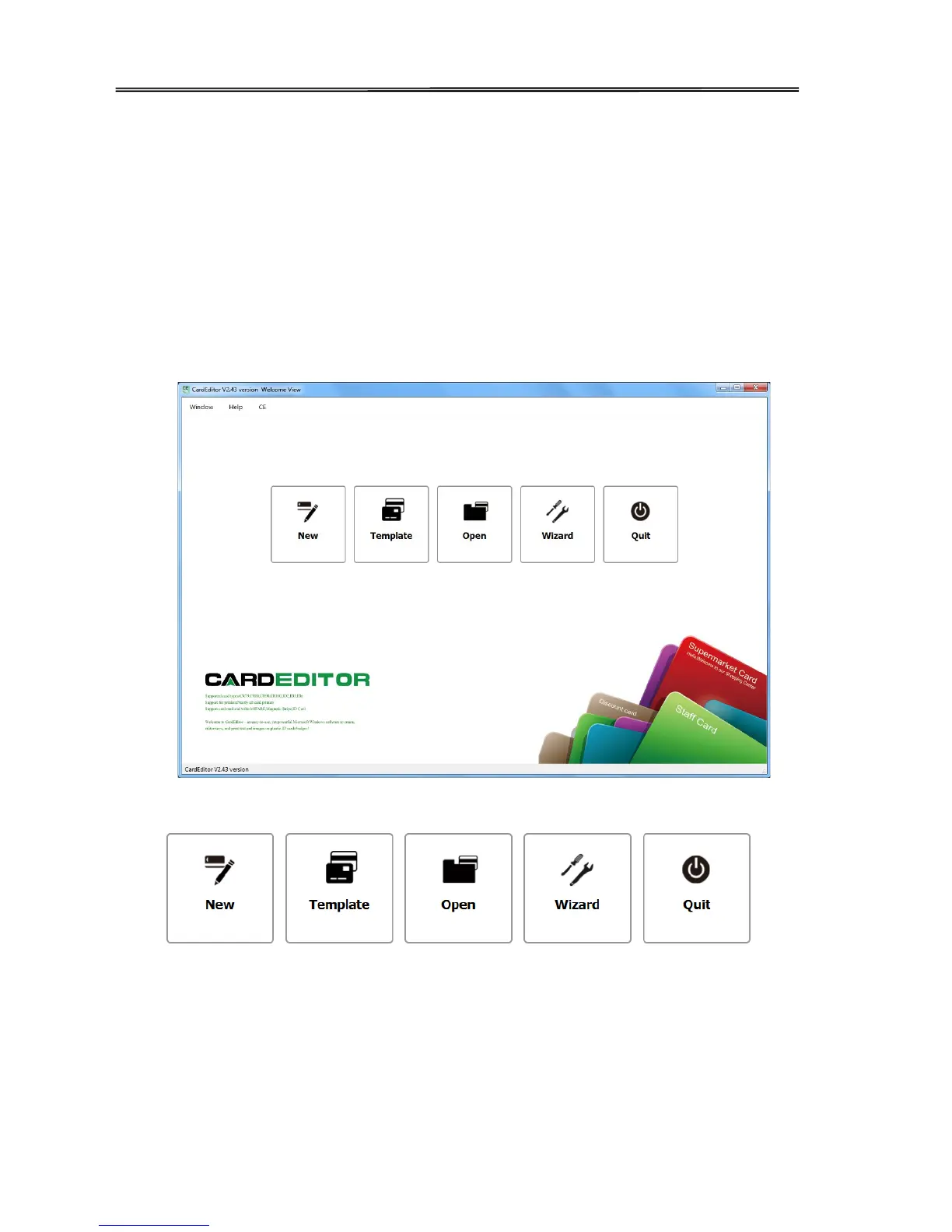
(1) Double clicks “Card Editor” icon to start, click “create” icon as following picture.
There’re 5 buttons:
Click above buttons separately can control different function:
Button 1: New, user can create a new card.
Button 2: Template, user can choose a suitable card template, then edit and modify it.
Button 3: Open, user can open the card file which filename extension is CE.
42



 To Next Page