Dascom DC-7600 User Guide V1.0
Button 4: Wizard, user can add black ground, images, barcode and text when creating a new
card.
Button 5: Quit, click this button to quit CARDEDITOR.
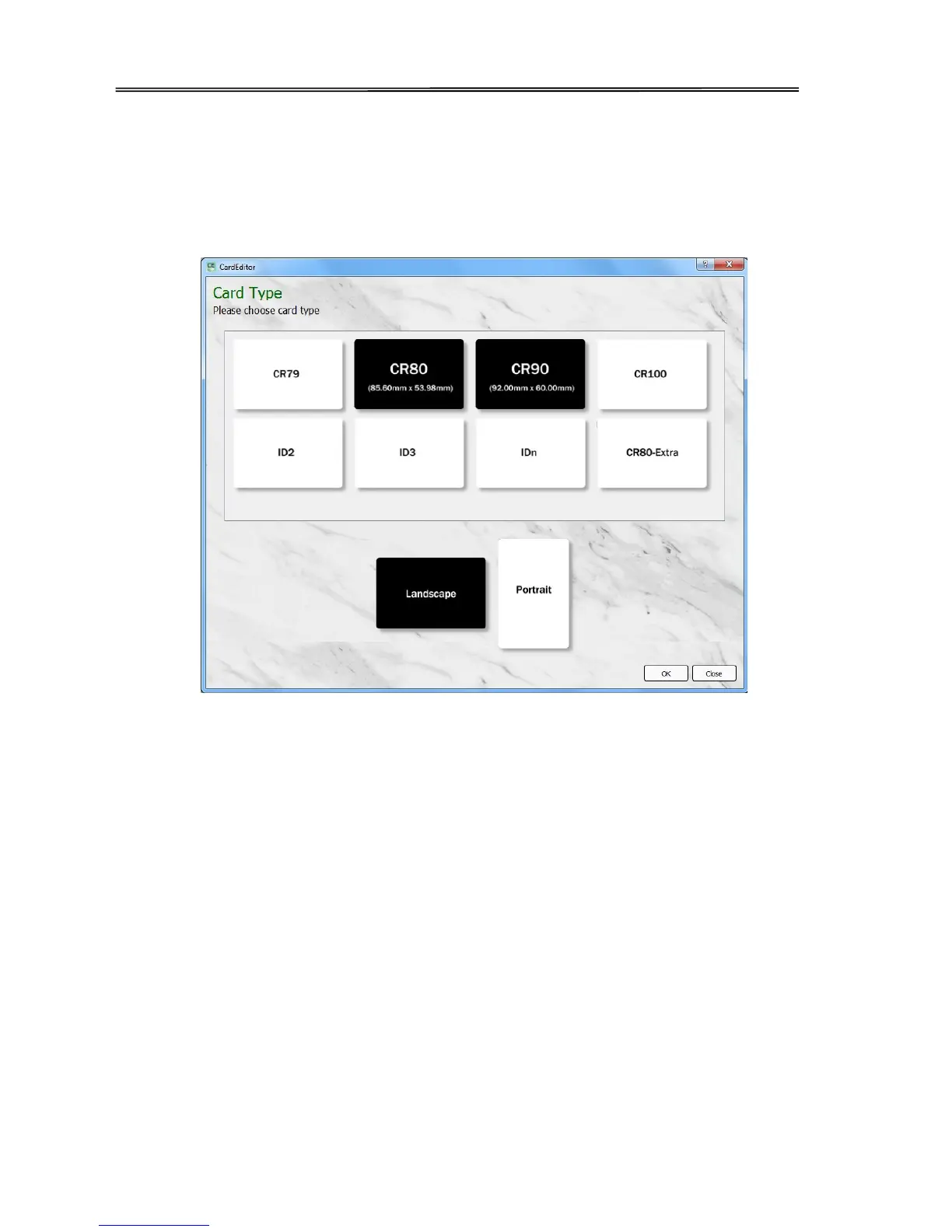
(2) After click “new” button, user can choose the card type he/she wants. Select “CR80” in “card
type” and select “Landscape” or “Portrait” in the “card direction”. Then click “OK”.
(3) The card file objects two types: “basic editing” and “advanced tools”. The “basic editing”
includes lines, rectangle, circles, text, one dimensional code QR code and images. The
“advanced tools” includes clip art, print counting, date, database image, image collection and
signature collection. Each object has some properties, such as location, borders, color, fill,
rotation and so on. The user can add these objects to the card area refer to their requirements.
And the position of these objects can be adjusted by selecting and dragging with mouse. Click
“Delete” can delete the objects.
43



 To Next Page