EasyManua.ls Logo

Dascom DC-7600 - Control Panel and Interface

Dascom DC-7600
101 pages
Print Icon
To Next Page IconTo Next Page
To Previous Page IconTo Previous Page
Loading...
Dascom DC-7600 User Guide V1.0
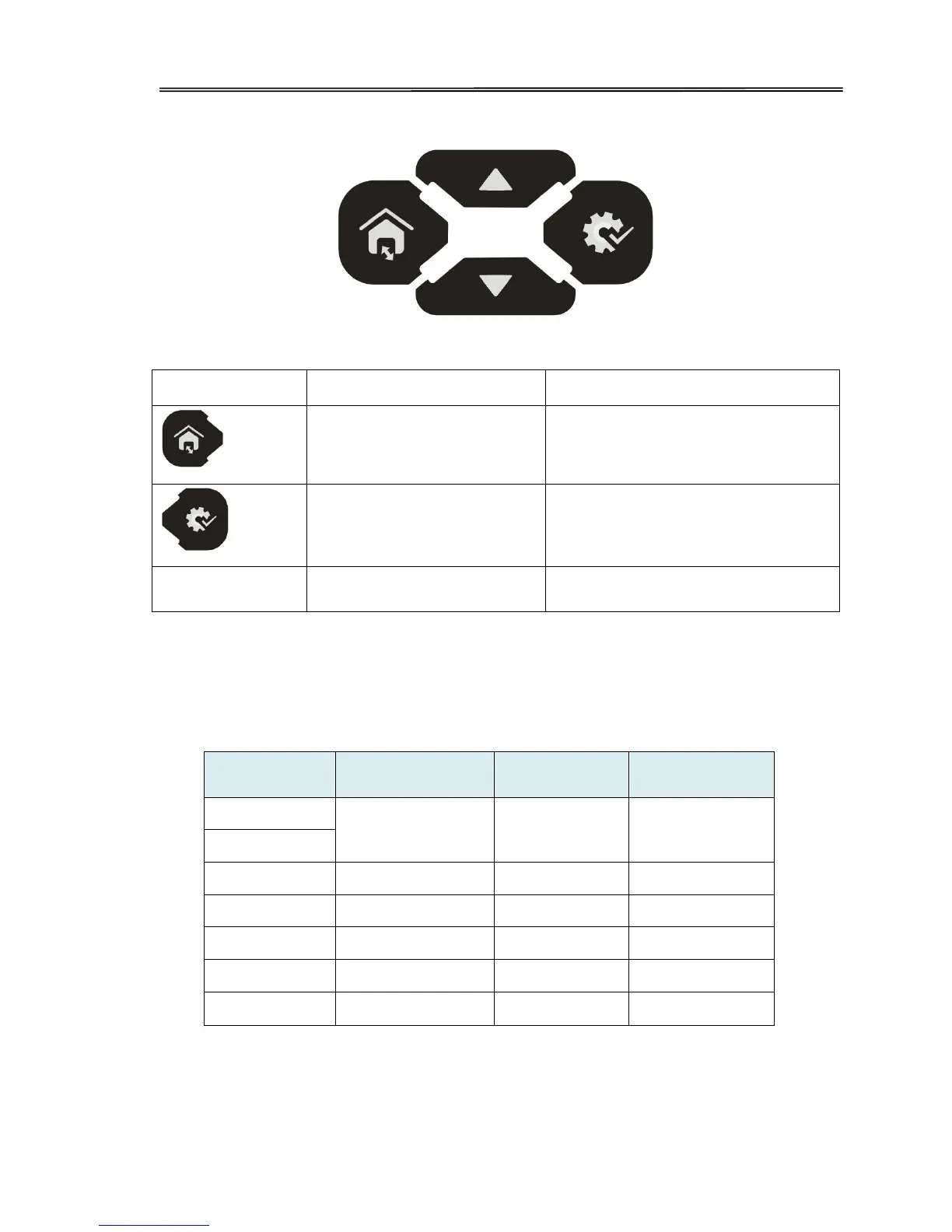
1.3.4 Control Panel
There are four buttons.
Logo
Name
Function
Menu/Exit key
Enter or exit current setup
SET Key
Confirm current setting
/
Up/Down keys
Choose between or navigate settings
Status LED and buzzer
Therere two LED lights: blue means ready, red means error;
The combinations of different lights and buzzer mean different status of printer:
Printer Status
Ready LED (Blue)
Error LED (Red)
buzzer
Initiating
Flashes Flashes /
Heating
Ready
On
Off
/
Menu setup
On
On
/
Printing
Flashes
Off
/
Warning
Flashes
Flashes
/
Error Off On
Buzz
constantly
LCD
User can learn status of printer and modify the parameters of printer via the LCD.
11

Table of Contents

Other manuals for Dascom DC-7600

Related product manuals