Dascom DC-7600 User Guide V1.0
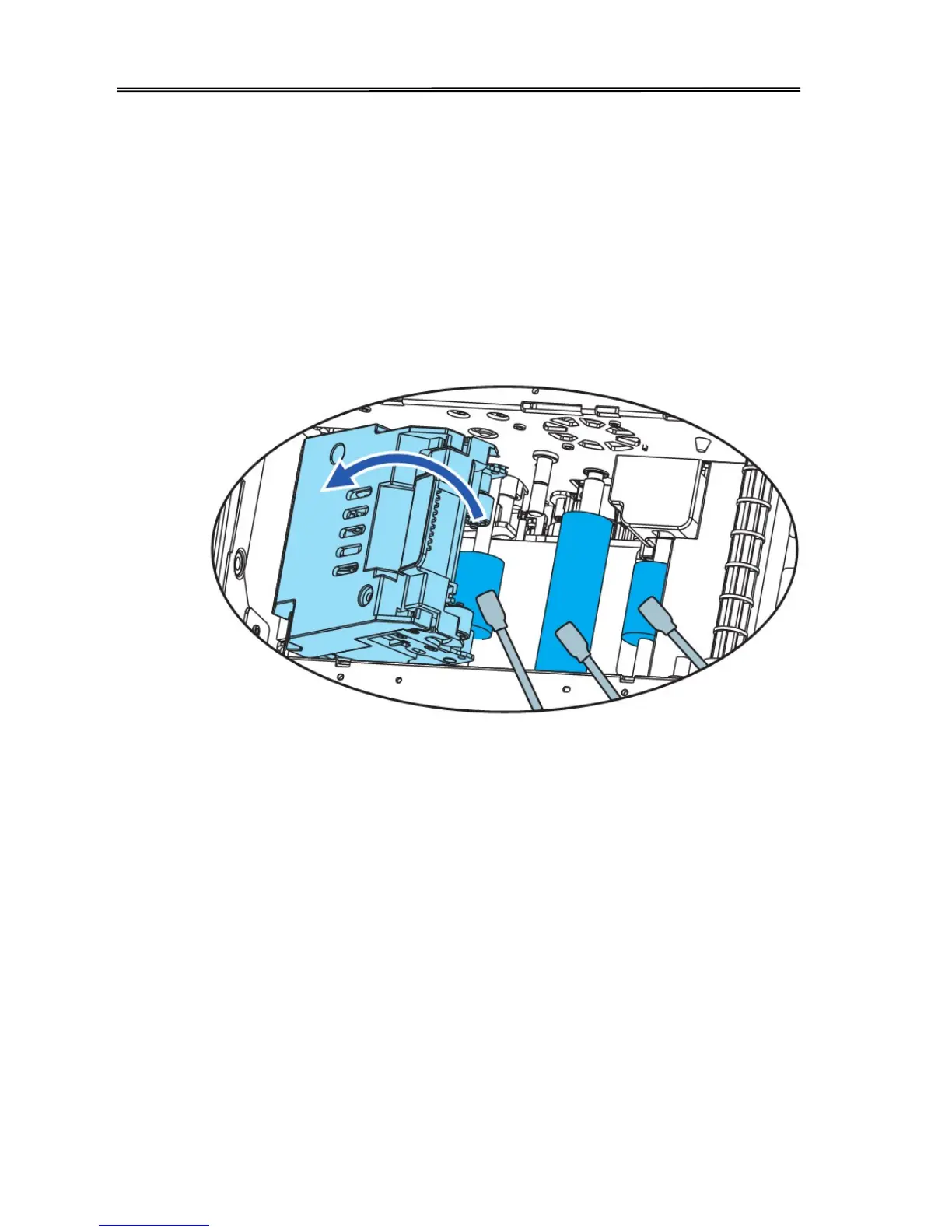
4.4 Cleaning the Transport Roller
① Turn off the power.
② Open the top cover, and remove the Card Feeder Cassette.
③ Open the Front Cover and Top Access Cover.
④ Lift the decurl section.
⑤ Wipe the roller clean with cleaning stick.
⑥ Close the Top Access Cover and Front Cover.
73



 To Next Page