Dascom DC-7600 User Guide V1.0
④ Load the Card Feeder Cassette.
⑤ Close the Top Cover.
Wait for 2minutes, if you want to use the printer.
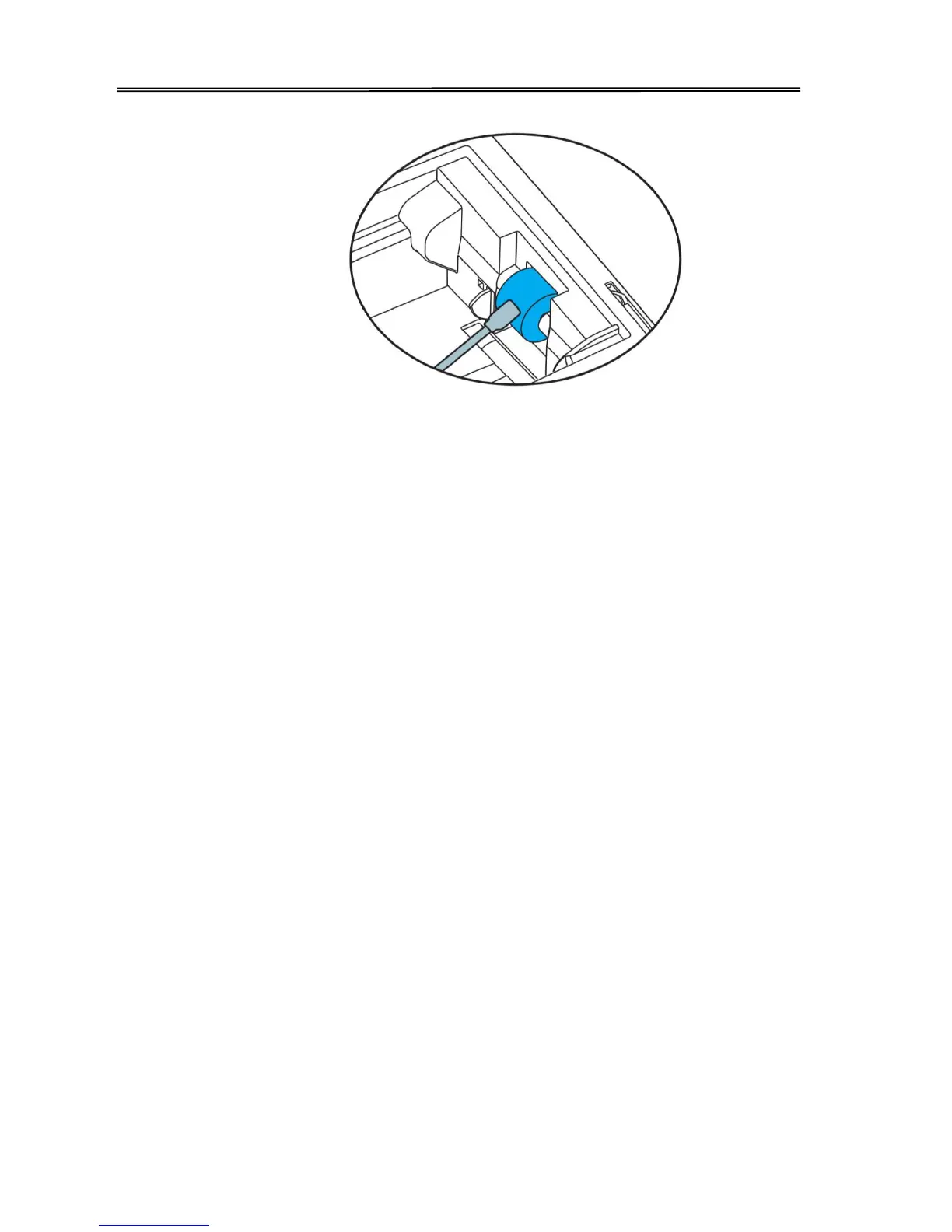
You can clean the feeding roller of the secondary transfer part at the bottom of the top
cover when you find the printing position on the printed card is beyond the scope of
adjustment or there is a blank on the edge of the printed area.
72



 To Next Page