Dascom DC-7600 User Guide V1.0
4.2 Cleaning the Cleaning Roller
You can clean the Cleaning Roller before printing.
Clean the cleaning roller if cards are printed with missing colors or if there are foreign
objects on them.
Please refer to section 2.8.
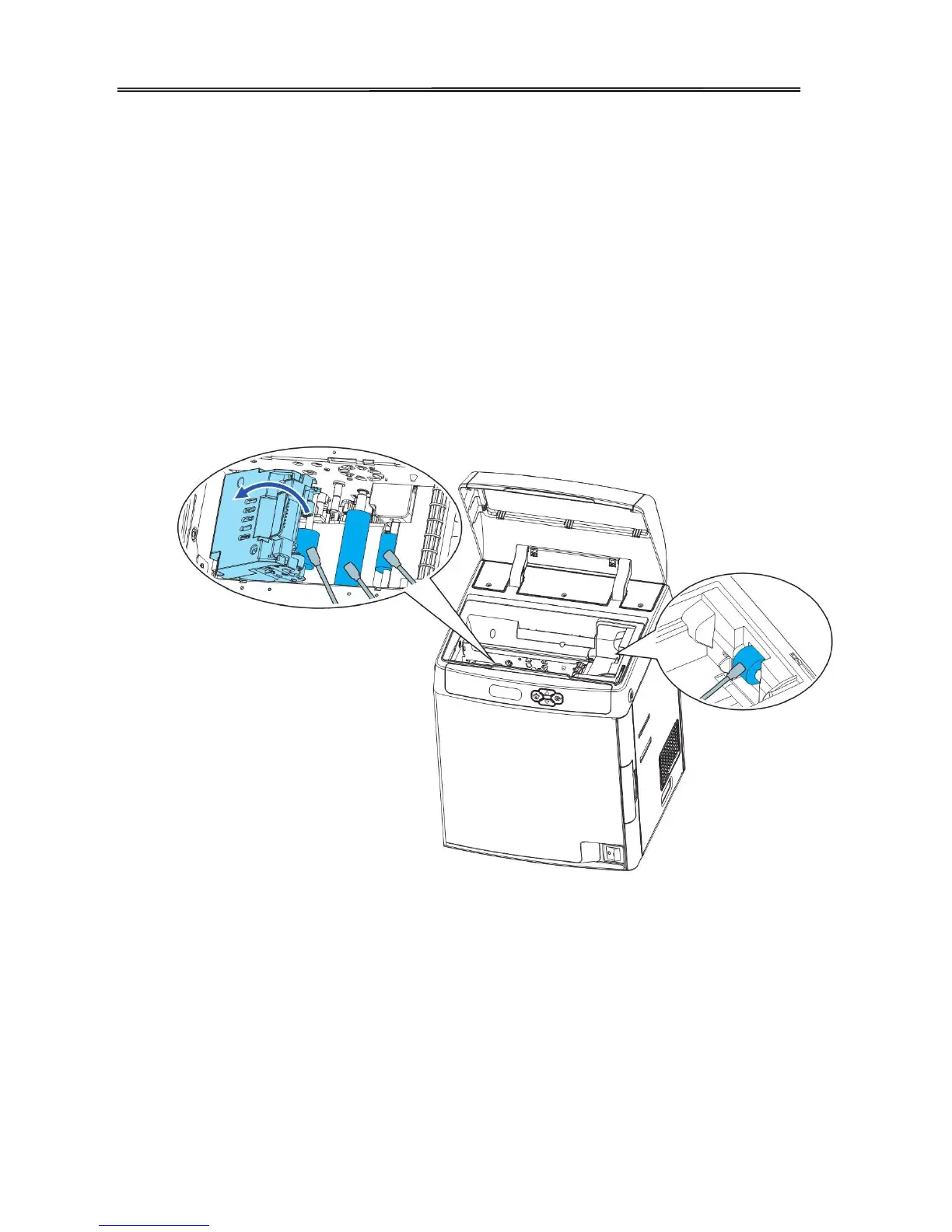
4.3 Cleaning the Feeding Roller
Clean the Feeding Roller under the Card Feeder Cassette if cards do not feed smoothly into
the printer.
① Turn off the power.
② Open the top cover, and remove the Card Case.
③ Wipe the roller clean with cleaning stick.
71



 To Next Page