Dascom DC-7600 User Guide V1.0
1.4 Attaching Power
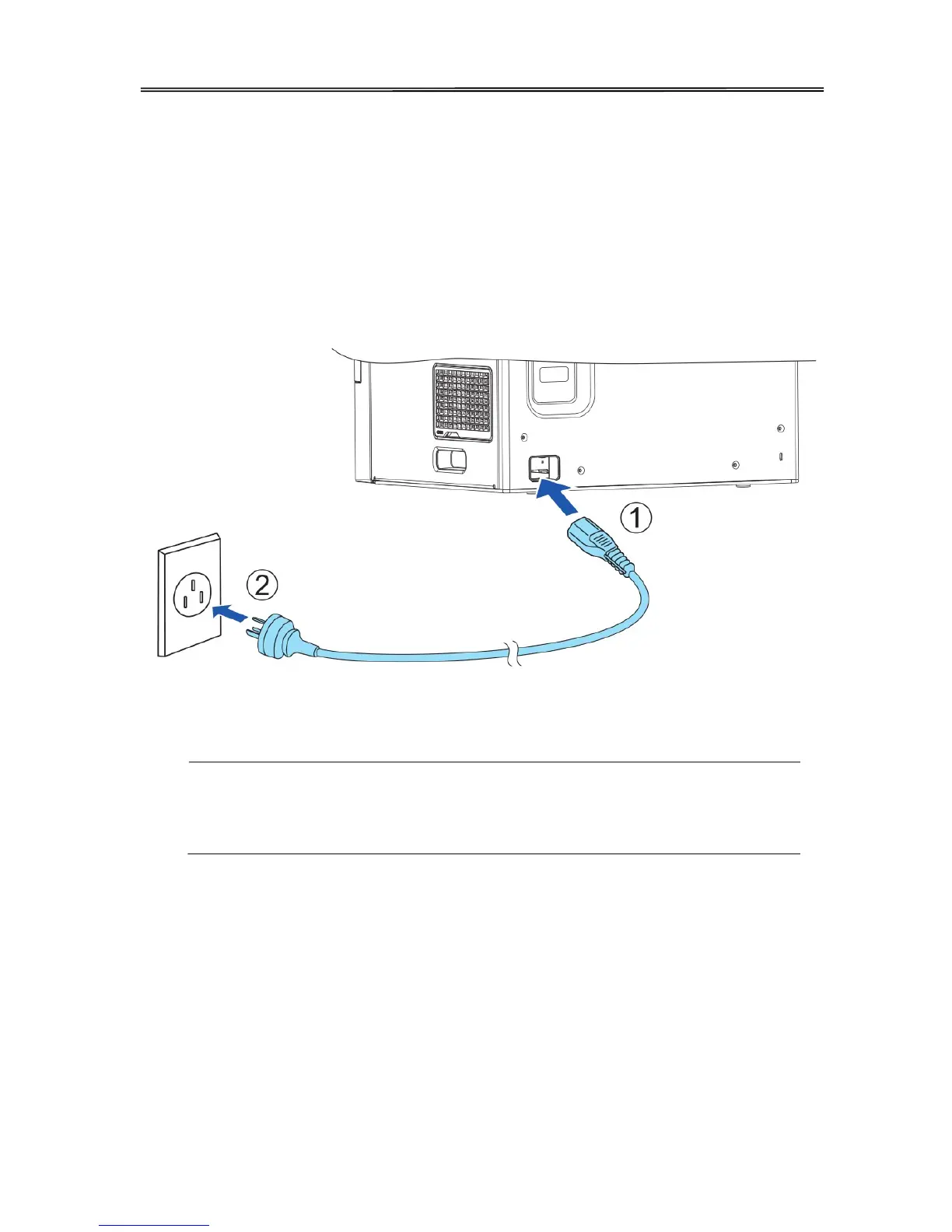
1. Make sure the printer and the computer are powered off.
2. Connect the power cord to the printer.
3. Connect the power cord to the power socket.
4. Ensure the power cord is securely connected. Turn on the printer power button.
1) Press the power switch: “I”, switch on the printer;
2) Press the power switch: “O”, switch off the printer.
12



 To Next Page