Dascom DC-7600 User Guide V1.0
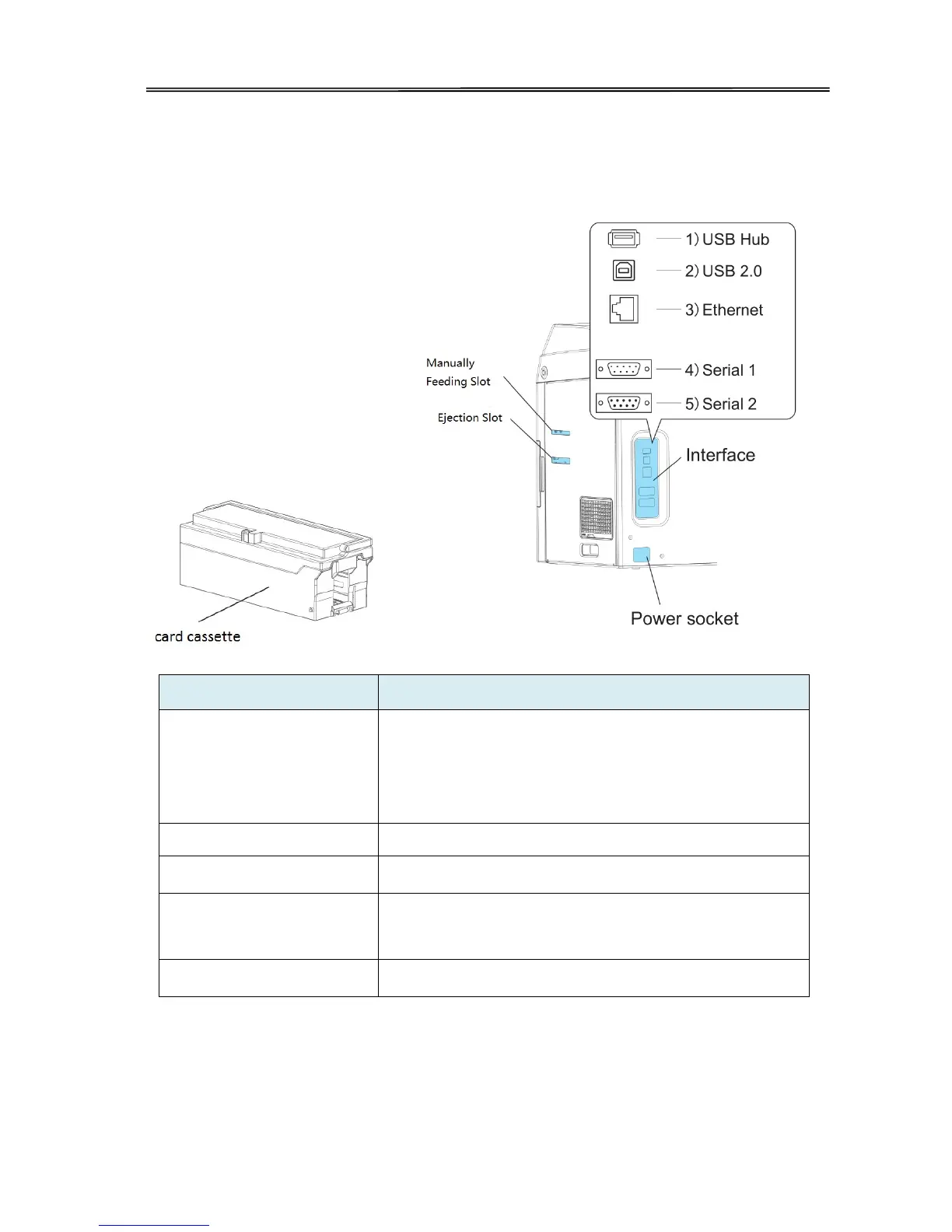
1.3.3 The rear side of the printer
Up to 250 0.76mm / 30-mil cards can be loaded at a time.
You can adjust the gate gap to match card thickness.
Factory default is set so the gap corresponds
to feeding of cards of 0.76 mm / 30-mil cards.
Manually feed cards one at a time, or single-feed.
Ejection slot Through this slot to eject cards.
Interface
USB Hub, USB 2.0 and Ethernet as standard interface,
Serial 1 and serial 2 as optional.
Power socket Used to connect Power Cable.
10



 To Next Page