Dascom DC-7600 User Guide V1.0
(5) Return to the Ethernet port configuration page, wait for a few seconds, you
can see the updated Ethernet information.
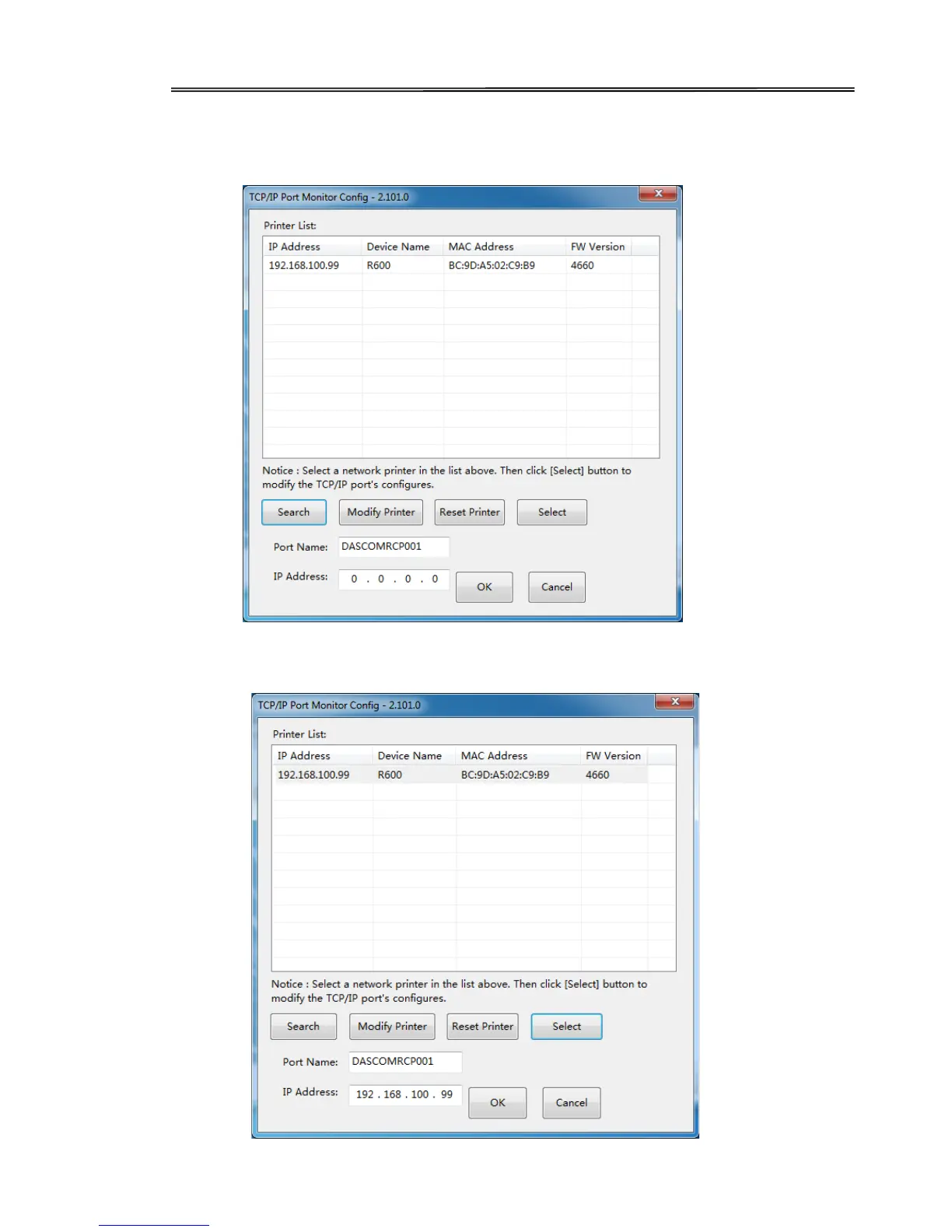
(6) Select you printer, click “Choose”, the corresponding IP address information
is displayed at the bottom left. Start the installation when you click the “OK”.
19



 To Next Page