Please put the card carefully. Ensure that magnetic stripe CARDS and
contact smart CARDS are properly placed in the card feeder. If the card
is inserted in the wrong direction, the code selection may not work
properly.
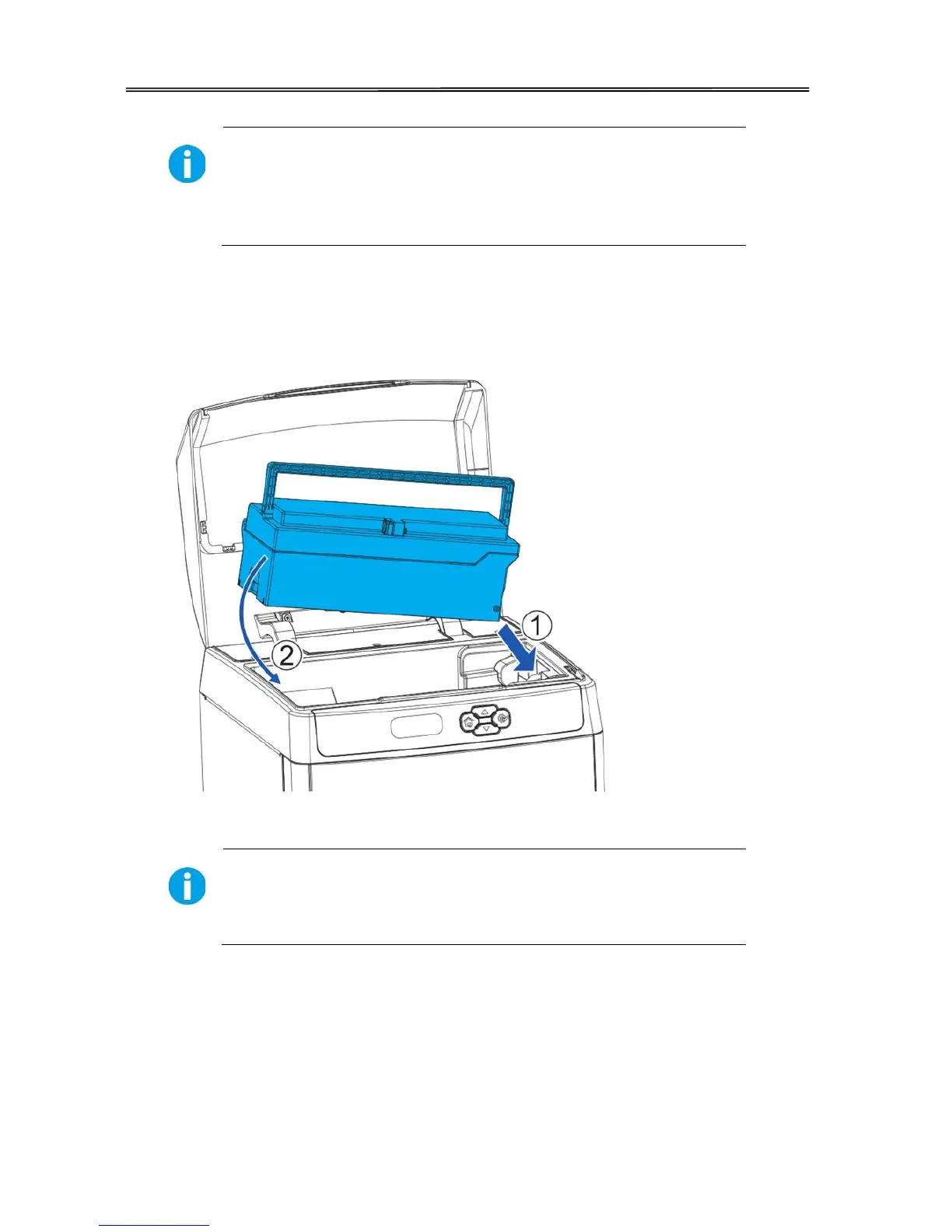
(3) Open the top cover of card printer.
A○
1E
AFirstly, press the right side of the card cassette into the printer;
A○
2E
A Then, press the left side of the card cassette into the printer;
(4) Close the top cover.



 To Next Page